Create with AI
How can I design loafers with AI?
Describe your loafer in plain words in the studio and get a photorealistic image of the design, with no design software and no sample.
On this platform the AI does the design and visualisation work and a human pattern maker cuts the pattern. That split is deliberate. How the pattern is made.
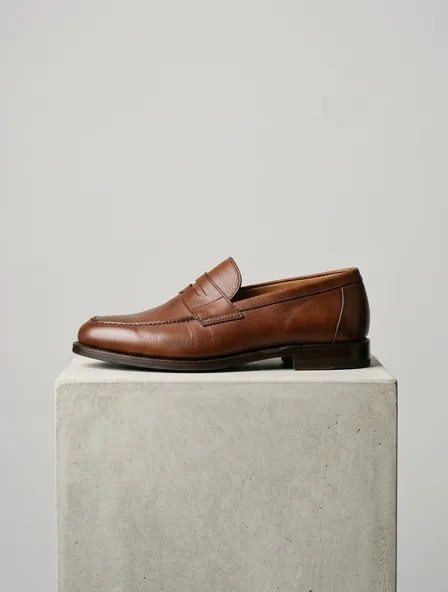
Design for a loafer
A design render turns a written description of your loafer into a photorealistic image, so a silhouette, a neckline or a pocket can be judged before anyone cuts cloth.
Name the shape, the size against a hand or a foot, and the hardware first; those decide whether a loafer reads right.
What you get
A photorealistic image of the loafer, back in seconds, that you can refine in the same conversation.
Step by step
- Say who the loafer is for and where it will be worn.
- Give the cloth, the color and the one detail that matters most: a neckline, a pocket, a hem.
- Ask for one change at a time and compare the versions.
- When the design is settled, keep it in a collection and move on to photos or a pattern.
A common mistake
Describing ten details at once: the image honours some and drops others. Two or three per request work better.
Cloths to name when you describe loafers
- Shoe upper leather
- A classic pairing, 1.2 to 1.8 mm thick
Typical trade ranges, not one mill's figures: confirm them with your mill.
The loafer, in numbers
A loafer is a slip-on shoe with a moccasin-style toe and no laces, from the classic penny loafer to chunky-soled versions.
- Defining details
- Moccasin toe, penny strap or bit, low vamp, leather or rubber sole
- Key measurements
- Foot length and width
Typical figures for an adult size M.
Also: how the studio works, prices and questions and answers.
Start free