Can AI make a product photo of my loafers for free?
Yes. Drop one photo of your loafer and get a clean ghost mannequin packshot on white in about twenty seconds, free, with no account.
Drop your loafer photo here
or choose one from your phone or computer
JPEG, PNG or WebP. Any phone photo works.
Your photo is stored for 30 days, then deleted. It is used to make your image, and by the studio if you continue there. If you order a pattern from it, a copy is kept with your order.
On this platform the AI does the design and visualisation work and a human pattern maker cuts the pattern. That split is deliberate. How the pattern is made.
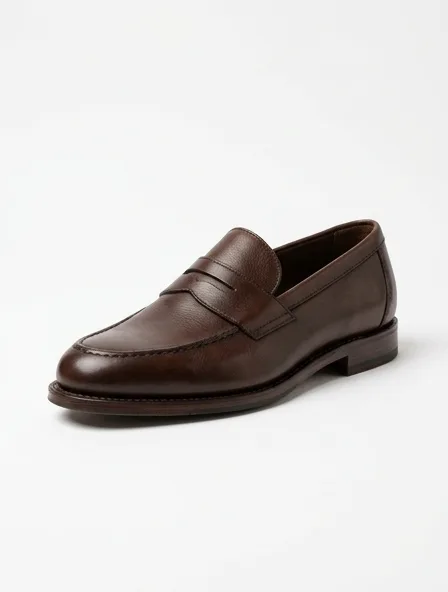
Product Photography for a loafer
Product photography means a clean, consistent picture of your loafer for a shop page: on white, on an invisible mannequin or on a model, with the same light from one product to the next.
Shoot a loafer at a three-quarter angle on white, then a close detail of the hardware or the stitching.
What you get
A clean product image of the loafer on a white or neutral background, with the same light and framing from one product to the next.
Step by step
- Start from a clear photo of the loafer or from a design image.
- Choose the presentation: invisible mannequin, flat lay or on a model.
- Keep the same background and light for the whole range.
- Add one close detail of the fabric or the finishing.
A common mistake
Mixing presentations across a range: a shop page reads as one catalogue only when every product is shot the same way.
How the usual cloths for loafers photograph
- Shoe upper leather
- Soft sheen: shows the folds without glare
Typical trade ranges, not one mill's figures: confirm them with your mill.
The loafer, in numbers
- Defining details
- Moccasin toe, penny strap or bit, low vamp, leather or rubber sole
Typical figures for an adult size M.
Also: how the studio works, prices and questions and answers.
Start free