Resleeve Alternative
Smasher Studio as a Resleeve Alternative
Looking for a Resleeve alternative? Smasher Studio offers AI fashion tools, video, tech packs and DXF patterns made by a pattern maker, and AI assistant integration.

What resleeve.ai Shows Today
On 12 October 2026, the website at resleeve.ai presented a platform for building bots, with a Basic plan at $19 a month, a Plus plan at $49 a month and Enterprise on quote (its pricing page was marked as a draft). The fashion design features this page compared in March 2026 could not be confirmed on that date, so we no longer compare features with it.
What Is Smasher Studio?
Smasher Studio is an AI-powered fashion production platform with tools designed to cover the entire journey from creative concept to manufacturing specification. Rather than focusing solely on design image generation, Smasher Studio extends into video creation, technical documentation, pattern making, and AI assistant integration.
The platform uses a layered AI orchestration architecture where an AI orchestrator understands your intent through natural conversation and automatically selects the appropriate specialized tool, whether that is generating a product image, creating a runway-style video, producing a tech pack, exploring colorways, simulating fabrics, or generating multi-angle views. You describe what you want in plain language, and the AI handles the rest.
The tools available on Smasher Studio include: GenerateImage (AI product photography and design concepts), GenerateVideo (5-15 second fashion videos), GenerateMultiAngle (consistent front, back, side, and detail views), tech pack and DXF pattern ordering (manufacturing-ready specifications by professional pattern makers), GenerateColorways (see any design in multiple color palettes), GenerateFabricSimulation (visualize designs in different materials), and SaveBrandMemory (the AI learns your brand DNA over time).
Smasher Studio also offers an MCP (Model Context Protocol) server, which means you can connect the platform to AI assistants like Claude Desktop, ChatGPT, and Cursor, and use the fashion toolset directly from your chat interface. This is a capability that is unique in the fashion AI space.
The MCP Advantage: AI Assistant Integration
Smasher Studio supports MCP. MCP stands for Model Context Protocol, an open standard developed by Anthropic that allows AI assistants to connect to external tools and services. Smasher Studio's MCP server is registered on the official MCP registry and works with Claude Desktop, ChatGPT, Cursor, Windsurf, and any other MCP-compatible client.
What does this mean in practice? It means you can be chatting with Claude or ChatGPT about your fashion brand strategy, and when you need to generate a product image or create a tech pack, the AI assistant can call Smasher Studio's tools directly without you leaving your chat window. You stay in your flow state, and the AI handles the tool orchestration behind the scenes.
For developers and technical fashion teams, the MCP integration also means you can build custom workflows that combine Smasher Studio's fashion tools with other services. Imagine a workflow where your AI assistant analyzes trend data, generates designs based on those trends, creates tech packs, and emails the specifications to your manufacturer, all through a single conversation.
The MCP server works with Claude Desktop, ChatGPT, Cursor and other MCP clients.
Beyond Design: The Full Production Pipeline
Design Concept
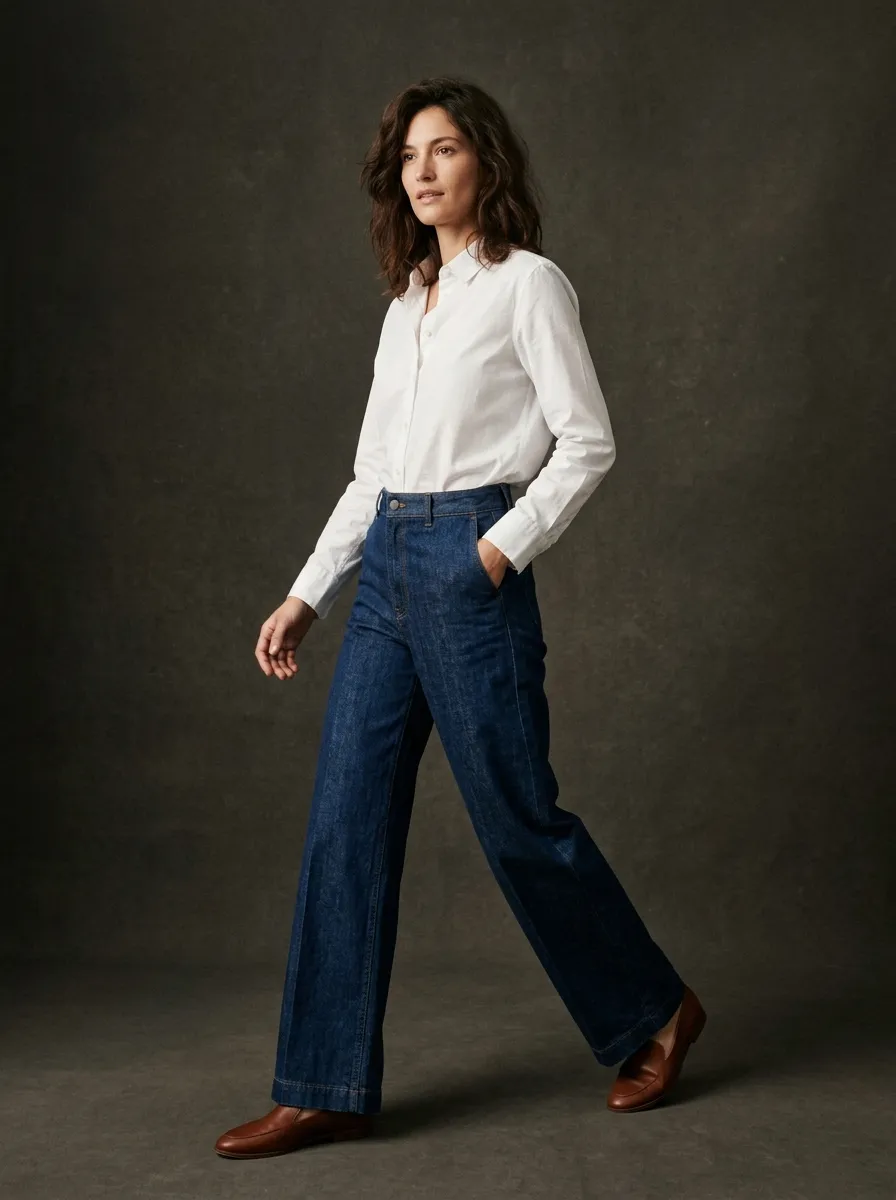
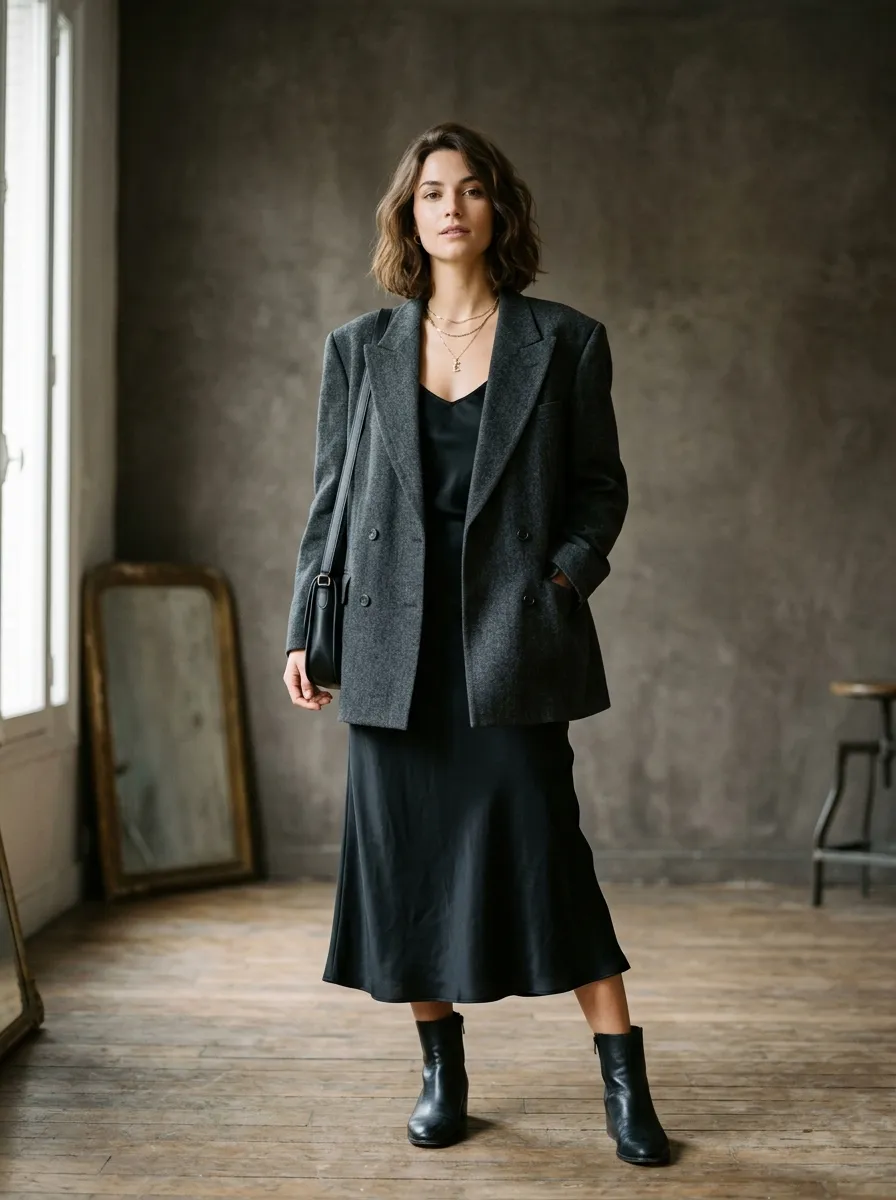
Generate photorealistic fashion designs from text descriptions. Describe the silhouette, fabric, color, and style, and get production-quality imagery on the first pass.
5 credits
DXF Pattern Making
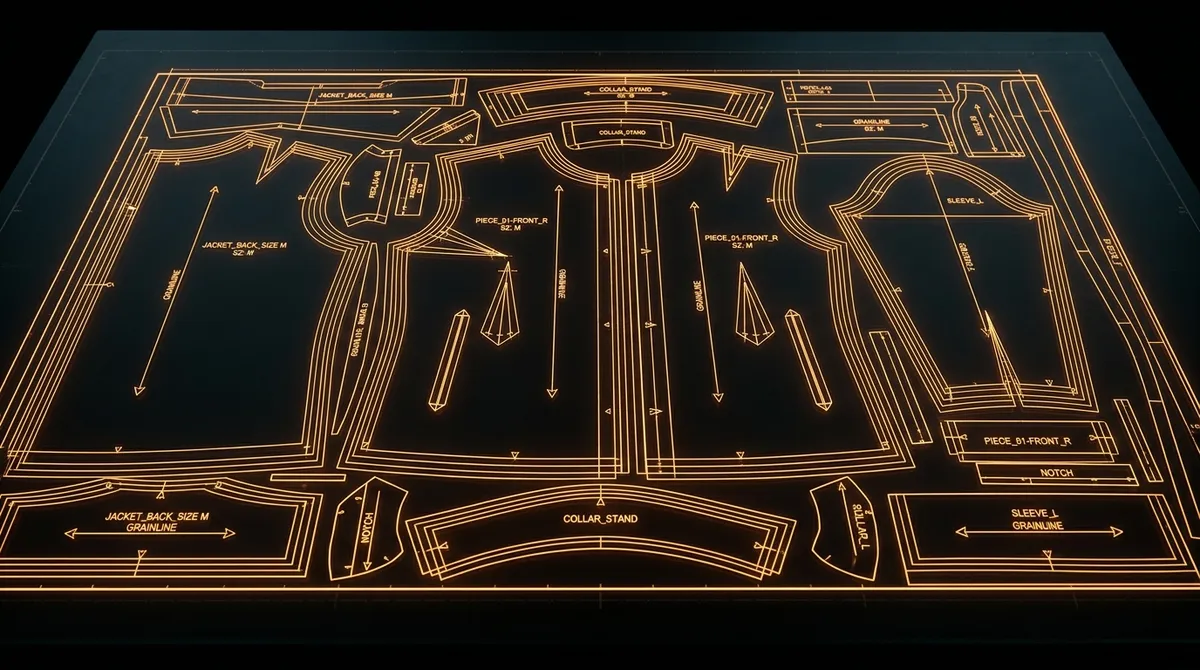
Once you have a design you like, order production DXF pattern files made by professional pattern makers. A manufacturing-ready tech pack with construction details, measurements, and bill of materials, plus grading, marker layout and seam allowances, are available as add-ons. This bridges the gap between concept and production.
$29-129 per garment
Colorway Exploration
See your design in every color palette before committing to production. Generate 4 to 8 colorway variations at once, helping you build a complete line sheet with minimal effort and zero physical sampling.
4 credits
Fabric Simulation
Visualize how your design looks in silk, denim, leather, knit, velvet, or any other material. Fabric simulation helps you make material decisions without ordering physical swatches.
5 credits
Multi-Angle Views
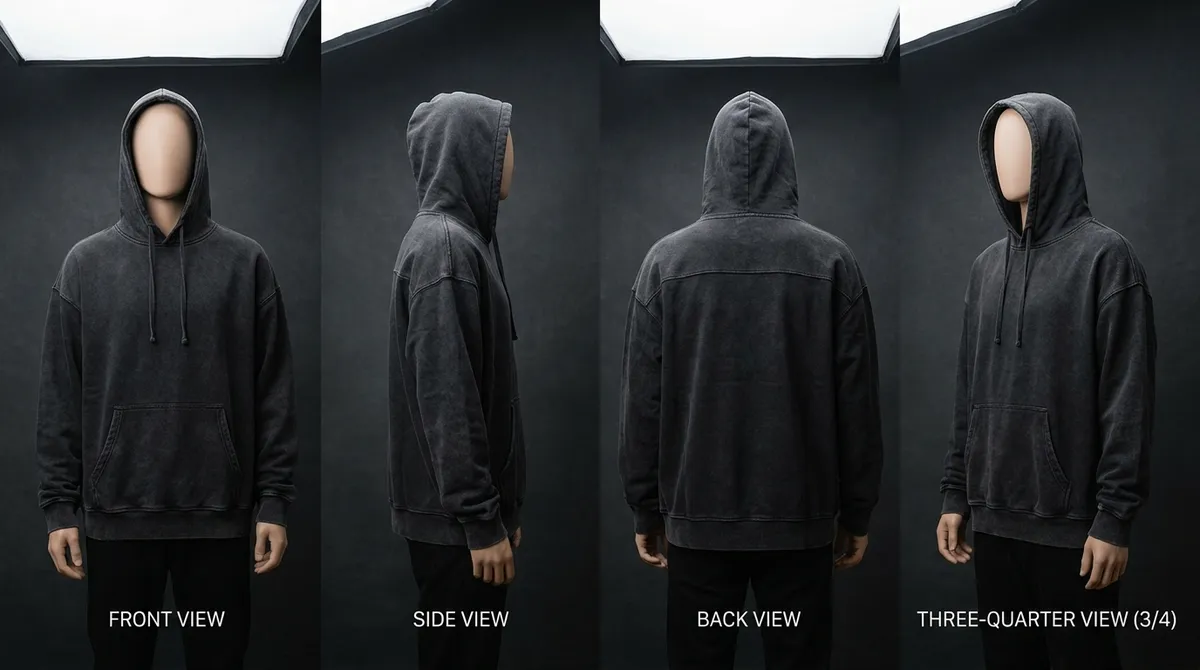
Generate consistent front, back, side, and detail views of your garment. Essential for e-commerce product pages that require multiple perspectives of the same design.
4 credits per angle
Video Generation
Create 5, 10, or 15-second fashion videos with a specialist AI video engine. Perfect for social media content, runway-style clips, and e-commerce product videos that stand out from static images.
40-450 credits
DXF Pattern Making
Order manufacturer-ready DXF pattern files cut by a professional pattern maker. Priced as a flat fee ($29 to $129) based on garment complexity. Grading, marker layout, a factory tech pack and seam allowances are available as add-ons from $5 to $15.
$29-$129
Brand Memory
Smasher Studio learns your brand DNA over time. Save your preferred aesthetics, color palettes, target audience, and design language so the AI becomes increasingly aligned with your brand.
Free
Permanent Storage
All generated assets are stored permanently on encrypted, distributed storage. No expiring URLs, no lost files. Download your work anytime, organize it into collections, and share with your team.
Included
AI Video Generation
Smasher Studio makes fashion video next to your designs. In the current fashion landscape, video content is not optional. Social media algorithms prioritize video, e-commerce conversion rates are higher with product videos, and campaign content increasingly requires motion.
Smasher Studio runs on a specialist primary video engine with an automatic fallback. You can generate 5-second clips (40 credits), 10-second clips (80 credits), or 15-second clips (120 credits). The AI understands fashion context, it knows how fabric drapes in motion, how models move on a runway, and how to create cinematic product reveals.
Use cases for AI fashion video include product spin videos for e-commerce, runway-style walkthroughs for lookbooks, Instagram Reels and TikTok content, fabric drape and movement demonstrations, and campaign teasers. All of this is generated from a text prompt or a reference image, no camera, no model, no studio required.
Pricing Comparison
Smasher Studio uses a transparent, credit-based pricing model inspired by platforms like Suno and Cursor. You know exactly what each tool costs and how many credits you have. Here are the current tiers:
Free
$0
15/month
Monthly reset, no card required
Creator
$19/mo
350/mo
For students and indie designers
Studio
$49/mo
900/mo
Most popular for small brands
Pro
$99/mo
2,000/mo
High-volume production teams
All paid plans also support top-up credit packs ($5 for 50 credits, $20 for 225 credits, $50 for 600 credits, or $100 for 1,300 credits) that never expire as long as your subscription is active. This means you never lose credits if you have a quiet month.
On 12 October 2026, resleeve.ai listed Basic at $19 a month, Plus at $49 a month and Enterprise on quote, for a platform for building bots. Prices change: check its website. Smasher Studio's credit-based model shows the exact cost of each generation before you run it, and you can budget your credits across the full toolset as you see fit.
One credit on Smasher Studio equals $0.10. A basic image generation costs 5 credits ($0.50), and a 5-second video costs 40 credits ($4.00). The tech pack with DXF pattern is a flat dollar fee ($29-129 per garment, made by professional pattern makers). The credit system gives you the flexibility to allocate your budget where it matters most for your brand.
Getting Started on Smasher Studio
Here is what you can do on day one:
Create a Free Account
Sign up with Google, GitHub, or email. No credit card required. You get a one-time welcome of 50 credits when you create your account, then 15 credits a month.
Start a Conversation
Open the Creative Studio and describe your design in plain language. The AI understands fashion terminology, fabric types, silhouettes, and styling details.
Explore the Tools
Generate images, create colorways, simulate fabrics, produce multi-angle views, build tech packs, and create videos, all from the same chat interface.
Save Your Brand DNA
Use Brand Memory to teach the AI your aesthetic preferences. Over time, the AI becomes increasingly aligned with your brand identity.
Connect Your AI Assistant
Install the MCP server to use Smasher Studio tools from Claude Desktop, ChatGPT, or Cursor. Configuration takes under 2 minutes.
Upgrade When Ready
When you hit the limits of the free tier, upgrade to Creator ($19), Studio ($49), or Pro ($99). Top-up packs available for burst usage.
The Conversational Workflow Advantage
Unlike form-based interfaces where you fill in fields and click buttons, Smasher Studio uses a conversational AI interface. You chat with the AI the same way you would chat with a design assistant. You can say things like "Create a minimalist linen blazer in sand beige, relaxed fit, for a resort collection" and the AI will generate the image. Then you can follow up with "Now show me that in navy and olive" and it will create the colorways. Then "Generate a tech pack for the sand beige version" and you get manufacturing specifications.
This conversational approach is faster and more natural than navigating between separate tool interfaces. The AI maintains context across your conversation, so it knows which design you are referring to, what your brand aesthetic is (if you have saved brand memory), and what you have generated previously in the session.
An AI orchestrator understands your intent from the conversation and automatically selects the right tool. You never need to manually choose between "image generation mode" and "tech pack mode." The AI handles that decision for you based on what you ask for.
Frequently Asked Questions
Is Smasher Studio a direct Resleeve alternative?+
How do I start on Smasher Studio?+
Does Smasher Studio support AI video generation for fashion?+
What is the MCP server and why does it matter?+
How does pricing compare between Resleeve and Smasher Studio?+
Does Smasher Studio offer tech pack generation?+
Can I use Smasher Studio for free?+
What AI technology does Smasher Studio use?+
Explore More
Try Smasher Studio as a Resleeve Alternative
Join fashion brands using Smasher Studio to design, visualize, and prepare collections for production, all powered by AI. Start free with a one-time welcome of 50 credits when you create your account, then 15 credits a month. No credit card required.