CALA Alternative
Smasher Studio as a CALA Alternative
Looking for a CALA alternative? CALA now presents itself as Mercer. Here is how Smasher Studio and Mercer compare on what each publishes on its own website, read on 12 October 2026.

Two Different Approaches to Fashion Production
Some platforms include manufacturing in what they sell; others give you the design and pattern files and leave the factory to you. Neither approach is better in itself: the right choice depends on your stage, budget, volume and how much of the manufacturing you want to run yourself. This page compares the two platforms on the facts each publishes, with the date we read them.
The two can also be used together: design and pattern files on one, production with any manufacturer you choose.
What Is CALA?
CALA now presents itself as Mercer, "Formerly Cala", with AI-powered tools for fashion. On its website, read on 12 October 2026, it lists an AI designer tool, custom models trained on a brand, product variations, text-to-image and AI paintbrush editing.
Its pricing page, read the same day, lists four plans: Designer at $19 a month, Studio at $69 a month, Studio Pro at $159 a month, and Enterprise from $499 a month. It states that nothing designed on the Designer, Studio and Studio Pro plans is produced or manufactured by Mercer, and lists access to its global manufacturing network on Enterprise.
What Is Smasher Studio?
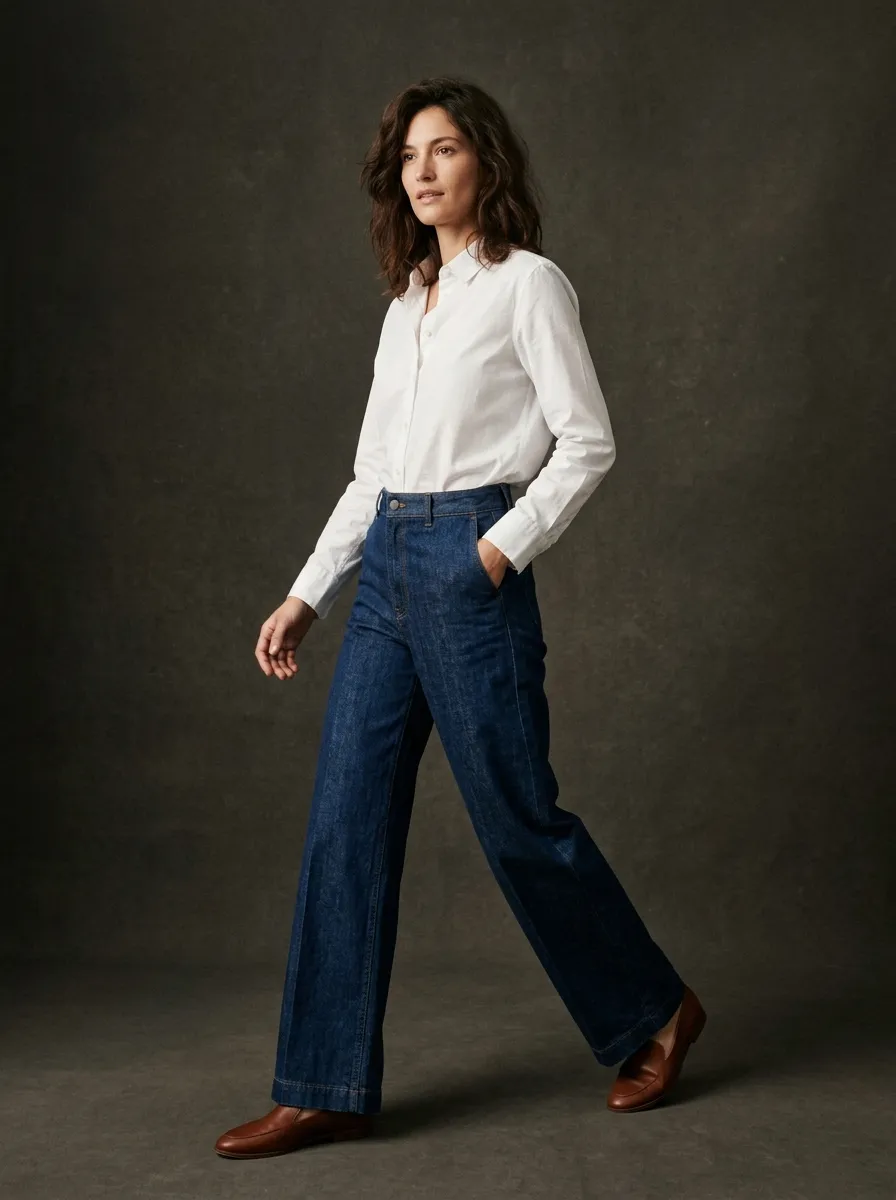
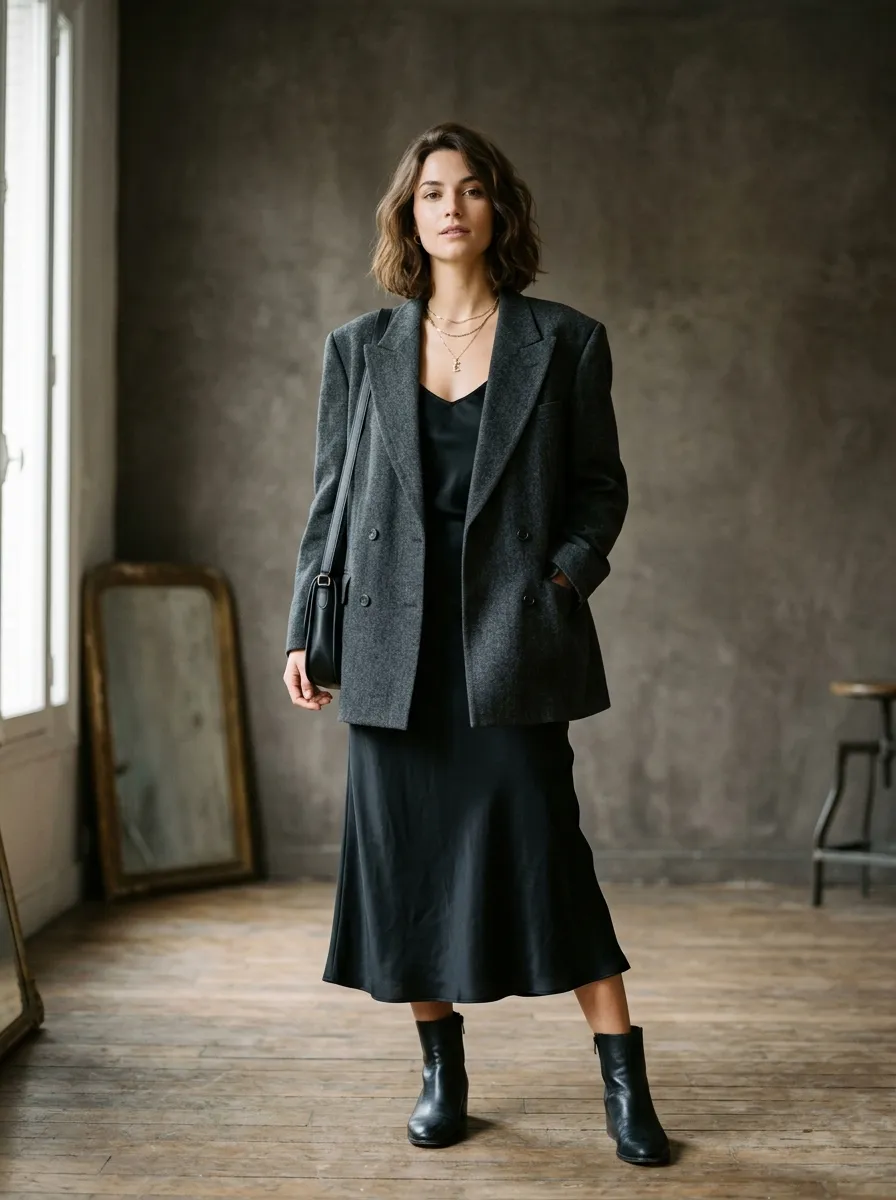
Smasher Studio is an AI-powered fashion production platform with specialized tools that cover the creative and pre-production phases of fashion development. The platform uses a conversational AI interface: you describe what you need in plain language, and an AI orchestrator selects the right tool to fulfill your request.
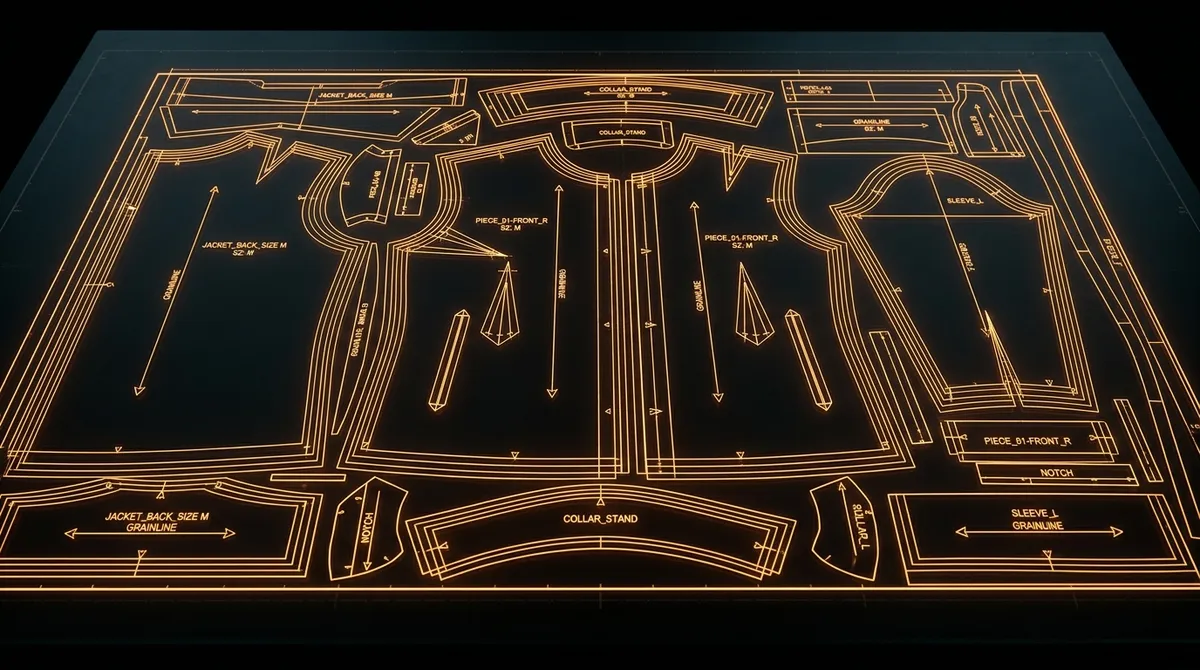
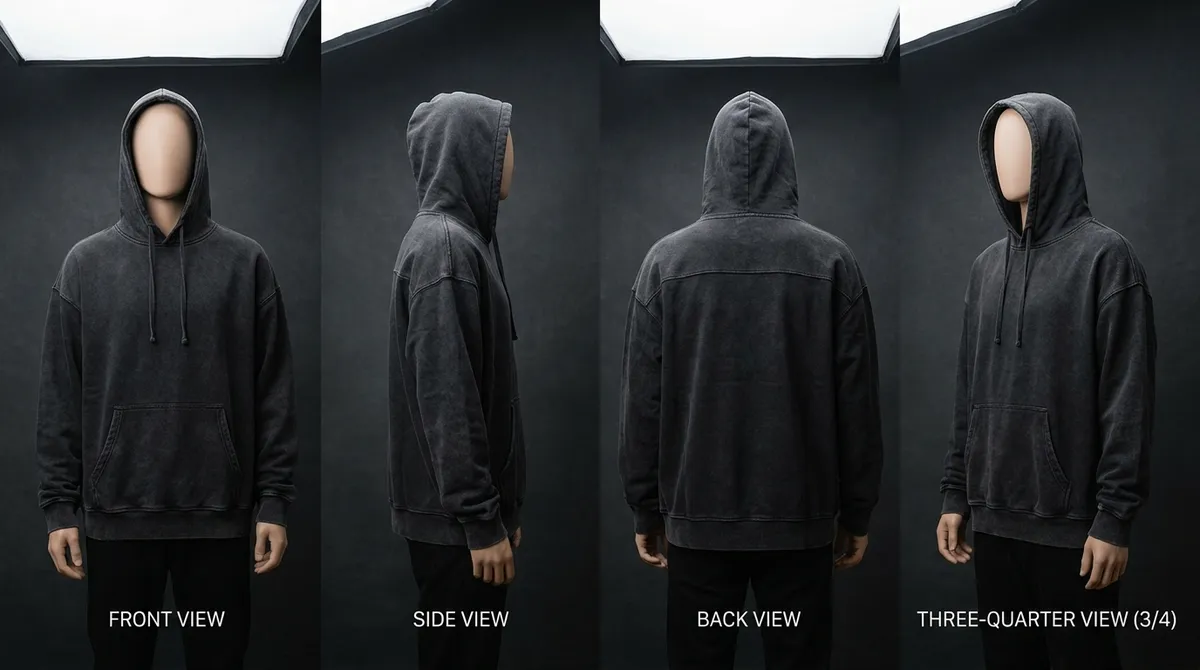
The tools include: AI image generation for design concepts and product photography, AI video generation, multi-angle view generation for e-commerce, colorway exploration, fabric simulation, brand memory that learns your aesthetic preferences, and tech pack plus DXF pattern ordering, made by professional pattern makers for manufacturer-ready specifications and files.
Smasher Studio does not manufacture. The platform produces the images, video, technical documentation and pattern files that you send to your own manufacturer.
Smasher Studio uses public credit-based pricing where each tool has a known credit cost, and plans range from free (15 credits per month) to Pro ($99 per month for 2,000 credits).
The Key Difference: Manufacturing Included or Not
Mercer (formerly CALA), read on 12 October 2026
- AI design tools on Designer, Studio and Studio Pro plans
- Manufacturing network listed on the Enterprise plan
- Plans from $19 a month; Enterprise from $499 a month
- No free plan listed
- No production on the three lower plans
- Suits a brand that wants manufacturing from the same company
Smasher Studio: Tools-First
- You own the manufacturer relationship and production decisions
- AI tools for design, documentation, pattern files and content
- Public credit pricing: each tool has a stated credit cost
- Full creative control over designs, tech packs, and patterns
- Free tier available with no credit card required
- Suits a brand that works with its own manufacturer
Compared: Smasher Studio and Mercer (formerly CALA)
| Feature | Smasher Studio | Mercer (formerly CALA) |
|---|---|---|
| AI design generation | Yes | Yes |
| Public plan pricesSmasher $0 to $99 a month; Mercer $19 to $159 a month, Enterprise from $499 (read on 12 October 2026) | Yes | Yes |
| Free planSmasher 15 credits a month; none listed by Mercer | Yes | No |
| Manufacturing by the platformMercer: Enterprise plan only | No | Yes |
Compared on 12 October 2026, from what each company publishes on its own website and pricing page (www.smasher.studio and www.mercer.design): AI design generation, public plan prices on monthly billing, a free plan, and manufacturing by the platform. Only features both companies state are compared. Prices and features change: check each website before you decide.
When Mercer (formerly CALA) May Suit You
Mercer (formerly CALA) may suit you better in some cases. From what it publishes (read on 12 October 2026), consider it if:
- You want manufacturing included. You want manufacturing from the same company that hosts your designs: Mercer lists its manufacturing network on its Enterprise plan.
- You want models trained on your brand. You want AI models trained on your brand: Mercer lists custom fine-tuned models.
- You prefer a per-plan subscription. Your team prefers a design-only subscription priced per plan rather than per credit.
- Check before you choose. Check its current plans and terms on its website before you decide.
When to Choose Smasher Studio
Smasher Studio is built for brands and designers who keep their own manufacturer. Consider Smasher Studio if:
- You want to own your manufacturer relationships. Working directly with factories gives you more negotiating power, better margins, and full control over quality. Smasher Studio provides the tools to prepare professional tech packs and pattern files that any manufacturer can work with.
- You want video and garment tools in one place. You want video, fabric looks, multi-angle views and brand memory in the same conversation as your designs.
- You want a stated cost per tool. Every tool on Smasher Studio has a stated credit cost, so you can work out what a piece of work costs before you start it.
- You want AI assistant integration. Smasher Studio's MCP server lets you use fashion tools from Claude Desktop, ChatGPT, or Cursor. If you are building workflows that combine fashion design with other AI capabilities, this integration lets you call them from there.
- You need video content. AI video generation is part of Smasher Studio. If your brand needs fashion videos for social media, e-commerce or marketing, you can make them next to your designs.
- You want to try before you commit. Smasher Studio's free account opens with a one-time welcome of 50 credits when you create your account, then 15 credits a month, with no credit card required. You can test every tool, generate designs, create tech packs, and explore the platform before spending anything.
Cost Comparison: Per-Unit vs Credit Model
Mercer (formerly CALA) prices its design tools per plan; Smasher Studio prices each tool in credits. Manufacturing is priced separately in both cases: by your factory with Smasher Studio, and on Mercer's Enterprise plan with Mercer.
Mercer's plans, read on its pricing page on 12 October 2026: Designer $19 a month, Studio $69 a month, Studio Pro $159 a month, Enterprise from $499 a month.
Smasher Studio's model charges only for tool usage. One credit equals $0.10. Image generation costs 5 credits ($0.50), and videos cost 40 to 450 credits ($4 to $45). The production DXF pattern, made by professional pattern makers, is a flat $29-129 per garment, with the factory tech pack, grading, marker layout and seam allowances available as add-ons from $5 to $15. Paid plans provide monthly credit allocations: Creator ($19 for 350 credits), Studio ($49 for 900 credits), and Pro ($99 for 2,000 credits). Manufacturing costs are separate and negotiated directly with your factory.
To illustrate: designing a small collection on Smasher Studio might cost $49 per month (Studio plan) for the AI tools, plus your factory's quoted price per unit and the pattern fee for each garment.
Which costs less depends on your volume, your factory rates and whether you want manufacturing included.
The Smasher Studio Tools
Here is what each Smasher Studio tool does and how it fits into the fashion production workflow.
GenerateImage
Create photorealistic fashion designs and product photography from text descriptions. Describe the silhouette, fabric, color, styling, and mood, and get production-quality imagery from a fashion-optimized image engine.
5 credits
GenerateVideo
Produce 5, 10, or 15-second fashion videos from text or reference images. Runway clips, product reveals, social media content, and campaign teasers. A specialist video engine with automatic fallback.
40-450 credits
GenerateMultiAngle
Generate consistent front, back, side, and detail views of the same garment. Essential for e-commerce product pages and manufacturer communication where multiple angles are needed.
10 credits
Factory Tech Pack
A manufacturing-ready tech pack with flat sketches, construction details, measurements and bill of materials, prepared with your DXF pattern order.
$10 add-on to a pattern order
GenerateColorways
See your design in 4 to 8 different color palettes, side by side. Build complete line sheets, test seasonal color stories, and decide on production colors without physical samples.
4 credits
GenerateFabricSimulation
Visualize your design in silk, denim, leather, knit, velvet, linen, or any other material. Understand how fabric weight, drape, and texture affect the finished look before ordering swatches.
5 credits
SaveBrandMemory
Teach the AI your brand DNA: preferred aesthetics, color palettes, target demographics, design language, and brand values. The AI becomes increasingly aligned with your brand over time.
Free
DXF Pattern Making
Order manufacturer-ready DXF pattern files in AAMA/ASTM DXF-2 format, cut by a professional pattern maker. Three complexity tiers with guaranteed turnaround. Grading, marker layout, a factory tech pack and seam allowances are available as add-ons from $5 to $15.
$29-$129
Asset Storage & Collections
All generated assets are stored permanently on encrypted, distributed storage. Organize work into collections, download at any time, and share with team members or manufacturers.
Included
MCP Server: Connect Fashion Tools to Any AI Assistant
One of the most forward-looking features of Smasher Studio is its MCP (Model Context Protocol) server. MCP is an open standard developed by Anthropic that allows AI assistants to connect to external tools and services. Smasher Studio is registered on the official MCP registry and works with Claude Desktop, ChatGPT, Cursor, Windsurf, and any other MCP-compatible client.
In practical terms, this means a fashion designer can be having a conversation with Claude about their upcoming collection, and when they need to generate a design or create a tech pack, the AI assistant calls Smasher Studio's tools directly. No tab switching, no copy-pasting prompts between apps, no workflow interruption.
For technical teams, the MCP integration opens up possibilities for automated workflows: trend analysis that feeds directly into design generation, batch tech pack creation for entire collections, and programmatic video generation for product catalogs.
Check each platform's website for the AI assistant integrations it offers today.
Using Smasher Studio With a Manufacturer
Smasher Studio prepares the files; any manufacturer can produce from them. Here is how a combined workflow might look:
Concept & Design
Use Smasher Studio to generate design concepts, explore colorways, and simulate fabrics. The AI orchestrator helps you refine your vision through conversation.
Smasher Studio
Tech Pack & Patterns
Generate manufacturing-ready tech packs and order DXF pattern files from Smasher Studio. These documents are formatted for any manufacturer.
Smasher Studio
Production & Fulfillment
Send your tech pack and patterns to the manufacturer you choose, your own factory or a platform that offers manufacturing.
Your manufacturer
Content & Marketing
Use Smasher Studio to generate product videos, multi-angle e-commerce photos, and marketing content while your production is underway.
Smasher Studio
Smasher Studio Pricing
Smasher Studio's pricing is fully transparent and credit-based. Every tool has a known credit cost, and plans are publicly listed. No custom quotes, no hidden fees.
Free
$0
15/month
Monthly reset, no card needed
Creator
$19/mo
350/mo
Students and indie designers
Studio
$49/mo
900/mo
Most popular for small brands
Pro
$99/mo
2,000/mo
High-volume production teams
All paid plans include top-up credit packs that never expire: $5 for 50 credits, $20 for 225 credits, $50 for 600 credits, or $100 for 1,300 credits. DXF pattern files are charged separately as a flat fee: $29 (simple garments), $59 (standard), or $129 (complex).
For reference, one credit equals $0.10. A typical design session that includes image generation (5 credits), a three-color colorway exploration (12 credits), and a 5-second video (40 credits) costs 57 credits or $5.70. The DXF pattern is a separate flat fee from $29.
Frequently Asked Questions
Is Smasher Studio a direct CALA alternative?+
Does Smasher Studio handle manufacturing like CALA does?+
How does pricing compare between CALA and Smasher Studio?+
Can I use Smasher Studio to generate tech packs for my manufacturer?+
Does CALA have AI design tools like Smasher Studio?+
What is the MCP server and does CALA have one?+
Can I use both CALA and Smasher Studio together?+
Does Smasher Studio support video generation for fashion?+
Explore More
Try Smasher Studio as a CALA Alternative
Take control of your fashion production pipeline with AI-powered tools. Design, document, and create content, all from a single conversational interface. Start free with a one-time welcome of 50 credits when you create your account, then 15 credits a month.