AI Product Photography
The Best Ghost Mannequin Alternative in 2026
Ghost mannequin photography has been the industry standard for e-commerce product imagery since the early 2010s. It works, but it is expensive, time-consuming, and limited to garments that fit on a rigid form. AI product photography achieves the same three-dimensional, “hollow man” effect — without mannequins, without Photoshop, and without a photography studio.
What Is Ghost Mannequin Photography?
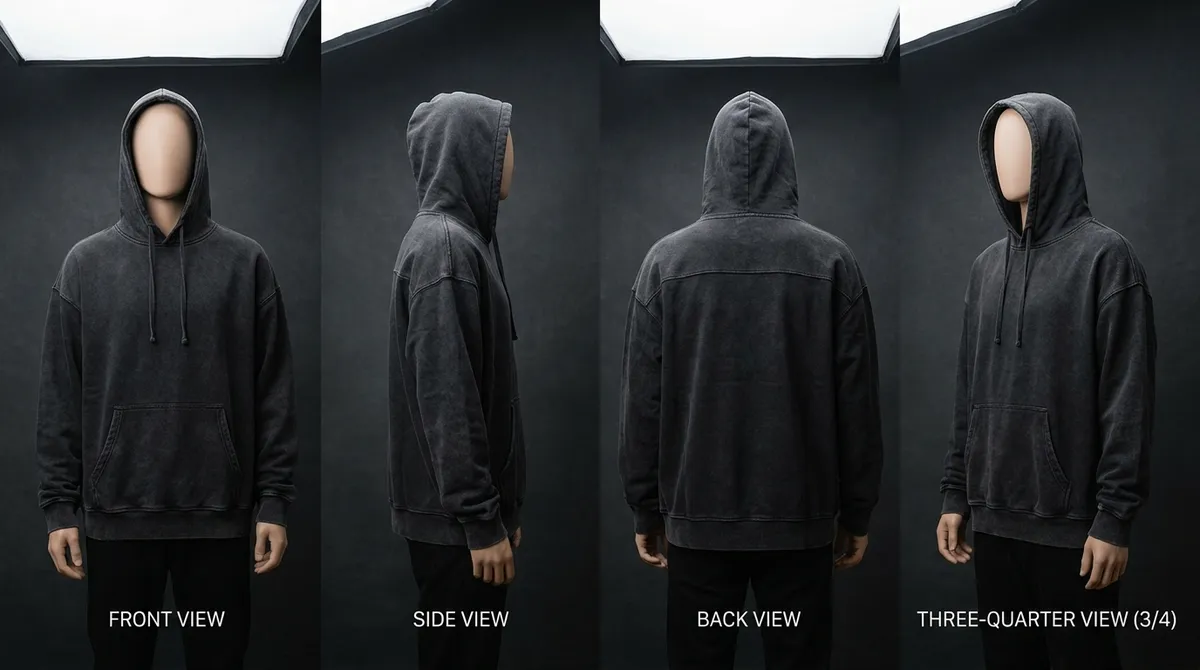
Ghost mannequin photography — also called invisible mannequin photography or the “hollow man” effect — is a product photography technique that makes garments appear three-dimensional and filled out, as if worn by an invisible person. The technique gives clothing a lifelike shape and form while keeping the focus entirely on the garment itself, with no model or mannequin visible in the final image.
The process involves dressing the garment on a specially designed mannequin (typically made of white or light gray material with removable parts), photographing it from the desired angle, then carefully removing the mannequin from the image in Photoshop. For many garments, this requires multiple shots: one of the garment on the mannequin (exterior), and one of just the inside of the garment (interior neckline, collar, waistband) which is then composited together in post-production to create the illusion that the garment is floating in space with its interior construction visible.
The technique became standard in e-commerce fashion photography because it solves a specific problem: flat-lay photography makes garments look two-dimensional and lifeless, while on-model photography introduces variables (the model's appearance, pose, and body type) that can distract from the product. Ghost mannequin photography splits the difference — garments look three-dimensional and wearable, but the viewer's attention stays on the clothing.
Major retailers including ASOS, Zara, H&M, and Nordstrom use ghost mannequin photography extensively. Amazon recommends (and in some categories requires) product imagery that shows garments with dimensional form on a white background — a specification that ghost mannequin photography was designed to meet. The technique has become so ubiquitous that consumers now expect this style of product imagery when shopping online.
Why Fashion Brands Use Ghost Mannequin Photography
Shows Garment Shape and Fit
Ghost mannequin photography displays how a garment drapes, fits, and fills out on a human form. Customers can see the shoulder width of a jacket, the tapering of a blouse, the silhouette of a dress — information that flat-lay photography cannot convey. This dimensional representation reduces return rates by giving shoppers a more accurate sense of how the garment will look when worn.
No Model Costs or Scheduling
Unlike on-model photography, ghost mannequin does not require booking, scheduling, or paying models. There are no model release forms, no concerns about skin tone matching your target demographic, and no dependence on a model's availability. The mannequin is always available, always consistent, and never needs a break. For brands shooting hundreds of SKUs, this logistical simplification is significant.
Consistent Product Listings
Every product photographed on the same mannequin with the same lighting setup produces a visually consistent catalog. This consistency is critical for e-commerce — when customers browse product listings, uniform imagery creates a professional impression and makes comparison shopping easier. Ghost mannequin delivers more consistency than on-model photography, where different models and poses introduce visual variation.
Marketplace Compliance
Amazon, eBay, and other major marketplaces have specific image requirements: white background, product centered, high resolution, and the product filling most of the frame. Ghost mannequin photography is purpose-built to meet these specifications. Many Amazon categories require or strongly recommend images showing garments on a body form rather than lying flat, making ghost mannequin photography effectively mandatory for fashion sellers on the platform.
The Problems with Ghost Mannequin Photography
Despite its widespread adoption, ghost mannequin photography has significant limitations that become more painful as a brand scales. These are not minor inconveniences — they are structural problems that compound with every additional product in your catalog.
Expensive Mannequins for Every Garment Type
Ghost mannequins are not one-size-fits-all. A men's upper-body mannequin does not work for women's garments. A standard torso mannequin cannot display pants. A dress mannequin does not work for jackets with structured shoulders. Professional ghost mannequins cost $100 to $500 each, and a well-equipped studio needs 6 to 10 different mannequins to cover common garment types: male torso, female torso, male full-body, female full-body, child sizes, plus-size forms, and sometimes specialized forms for intimates or swimwear. That is $1,000 to $5,000 in mannequin inventory before shooting a single image, and each mannequin eventually needs replacement as fabric coverings wear and joints loosen.
Complex, Labor-Intensive Post-Production
Removing the mannequin in Photoshop is the most technically demanding step. A skilled retoucher uses layer masks, the pen tool, and compositing techniques to remove the mannequin while preserving the garment's edges, shadows, and interior details. This process takes 15 to 30 minutes per image for a standard front view, and longer for complex garments with transparent fabrics, intricate necklines, or unusual construction. At $5 to $15 per image for outsourced retouching (or the equivalent labor cost for in-house work), post-production adds $2,500 to $7,500 to a 500-image catalog.
Still Requires a Photographer and Studio
Ghost mannequin photography is not a shortcut — it is a specific photographic technique that requires professional lighting, a DSLR camera, a proper studio backdrop (typically seamless white paper or fabric), and a photographer who understands the technique. The mannequin replaces the model, not the photographer, the studio, or the equipment. Studio rental costs $500 to $2,000 per day in most cities. A photographer experienced with ghost mannequin technique charges $200 to $500 per hour. For brands without in-house studios, each shooting session is a logistical event that requires booking, traveling, and setup time.
Limited to Garments That Fit a Mannequin
Ghost mannequins work well for structured garments that hold their shape on a rigid form: button-up shirts, blazers, structured dresses, and straight-leg pants. They struggle with oversized or flowy garments that need a body to create shape, accessories (handbags, hats, scarves, belts, jewelry), shoes (no mannequin for feet), swimwear and intimates (require specialized forms), and heavily draped or asymmetric designs that do not sit naturally on a symmetric mannequin. If your product line includes any of these categories, ghost mannequin photography only covers part of your catalog — you still need a separate solution for everything else.
Time-Consuming at Catalog Scale
Each garment in a ghost mannequin shoot requires dressing the mannequin (2 to 5 minutes, longer for complex garments with buttons, zippers, or multiple layers), adjusting pins and clips for a clean fit (3 to 5 minutes), shooting the exterior (2 to 5 minutes for multiple angles), shooting the interior for the composite (2 to 3 minutes), undressing the mannequin, and then 15 to 30 minutes of post-production per final image. A realistic throughput is 15 to 25 finished images per day — meaning a 200-product catalog requires 8 to 13 full production days, not counting setup, teardown, and retouching turnaround time.
AI Product Photography: The Ghost Mannequin Alternative
AI product photography replaces the entire ghost mannequin pipeline — the mannequin, the photographer, the studio, and the Photoshop work — with a text description. You describe the garment you want to visualize, and the AI generates a photorealistic product image with the same three-dimensional form and professional presentation that ghost mannequin photography provides.
The AI understands how garments drape, fold, and hang on a human form. It renders fabric texture, stitching detail, collar shapes, sleeve lengths, and hemlines with photographic accuracy. The resulting images show garments that appear to be worn by an invisible body — the exact effect ghost mannequin photography was invented to achieve — but generated from a text prompt instead of a physical photography setup.
This is not a compromise or an approximation. AI-generated product imagery is indistinguishable from traditional product photography in most contexts. The AI has been trained on millions of fashion product images and understands the visual conventions of e-commerce photography: clean lighting, neutral backgrounds, proper garment presentation, and the level of detail consumers expect when evaluating a product online.
More importantly, AI has no physical constraints. It can render garments that have not been manufactured yet, visualize any fabric on any silhouette, and generate product imagery for accessories, shoes, bags, and other items that ghost mannequins simply cannot display. For brands with diverse product lines, AI is the first solution that covers every product category with a single, unified workflow.
Ghost Mannequin vs AI: Side-by-Side Comparison
| Factor | Ghost Mannequin | AI (Smasher Studio) |
|---|---|---|
| Cost per image | $15-$40 | ~$0.50 |
| Setup time | 5-10 min per garment | 0 min (text prompt) |
| Generation time | 20-40 min (shoot + edit) | 10-30 seconds |
| Post-production | 15-30 min Photoshop | None required |
| Equipment needed | Camera, lights, mannequin, studio | Web browser |
| Visual consistency | Good (same setup) | Excellent (Brand Memory) |
| Scalability | 15-25 images/day | 100+ images/hour |
| Garment types | Tops, dresses, jackets, pants | All garments + accessories |
| Colorway variations | Re-shoot or color adjust | New prompt, seconds |
| Requires physical sample | Yes | No |
| Interior detail shots | Excellent | Limited |
How AI Product Photography Works
Describe Your Garment
Write a detailed description of the garment you want to visualize. Include the garment type (e.g., "slim fit cotton button-up shirt"), color ("navy blue with white buttons"), and presentation style ("ghost mannequin effect, pure white background, studio lighting"). The AI understands fashion terminology — specify fabric weight, collar style, sleeve length, and any construction details that matter.
AI Generates the Image
Smasher Studio's fashion-trained AI produces a photorealistic product image in 10 to 30 seconds. The image shows your garment with three-dimensional form, accurate fabric rendering, proper proportions, and professional lighting — the same qualities a ghost mannequin photograph provides. Each generation costs 5 credits. Generate multiple variations to find the perfect angle and presentation.
Download and Publish
Your image is delivered in high resolution, ready for immediate use on e-commerce platforms, marketplaces, social media, or print materials. There is no post-production step — no background removal, no color correction, no retouching. Download the image and upload it directly to your Shopify store, Amazon listing, or wholesale line sheet. The entire process from description to published product image takes under one minute.
Shot Types AI Can Replace
AI product photography does not just replace ghost mannequin — it replaces (or supplements) every major e-commerce photography style. A single platform handles all the shot types your product catalog needs.
Ghost Mannequin / Invisible Mannequin
The dimensional, hollow-man product view that shows garment shape on a white background. AI replicates this effect natively — simply describe the garment and specify a white background with studio lighting. The AI renders the garment with natural three-dimensional form, accurate fabric drape, and the professional presentation style that ghost mannequin photography provides.
Flat Lay Photography
Top-down product views showing garments laid flat, often styled with accessories and props. Flat lay is popular for Instagram and lifestyle-oriented e-commerce. AI generates flat lay compositions with precise control over styling, surface material (marble, wood, linen), and prop arrangement. You can produce flat lay imagery of garments that exist only as concepts — useful for pre-production visualization and social media planning.
On-Model Photography
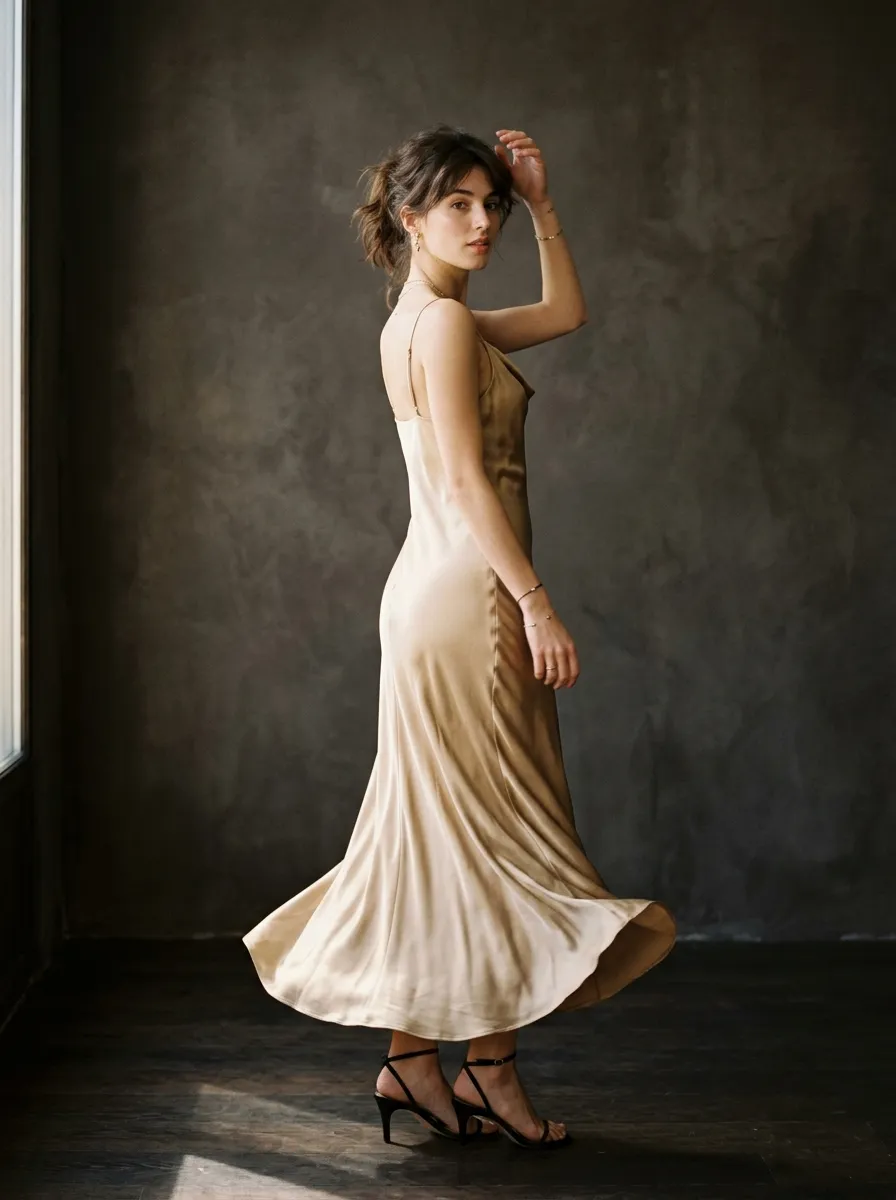
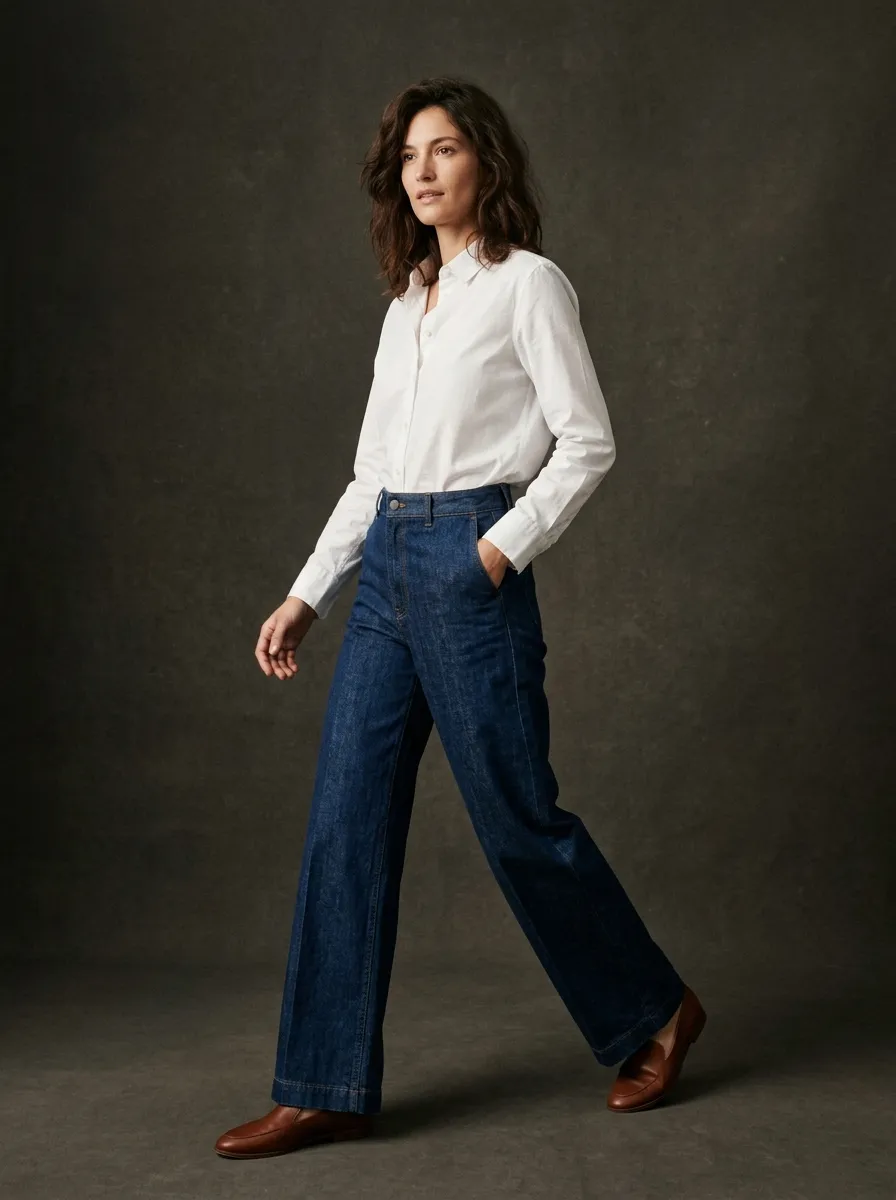
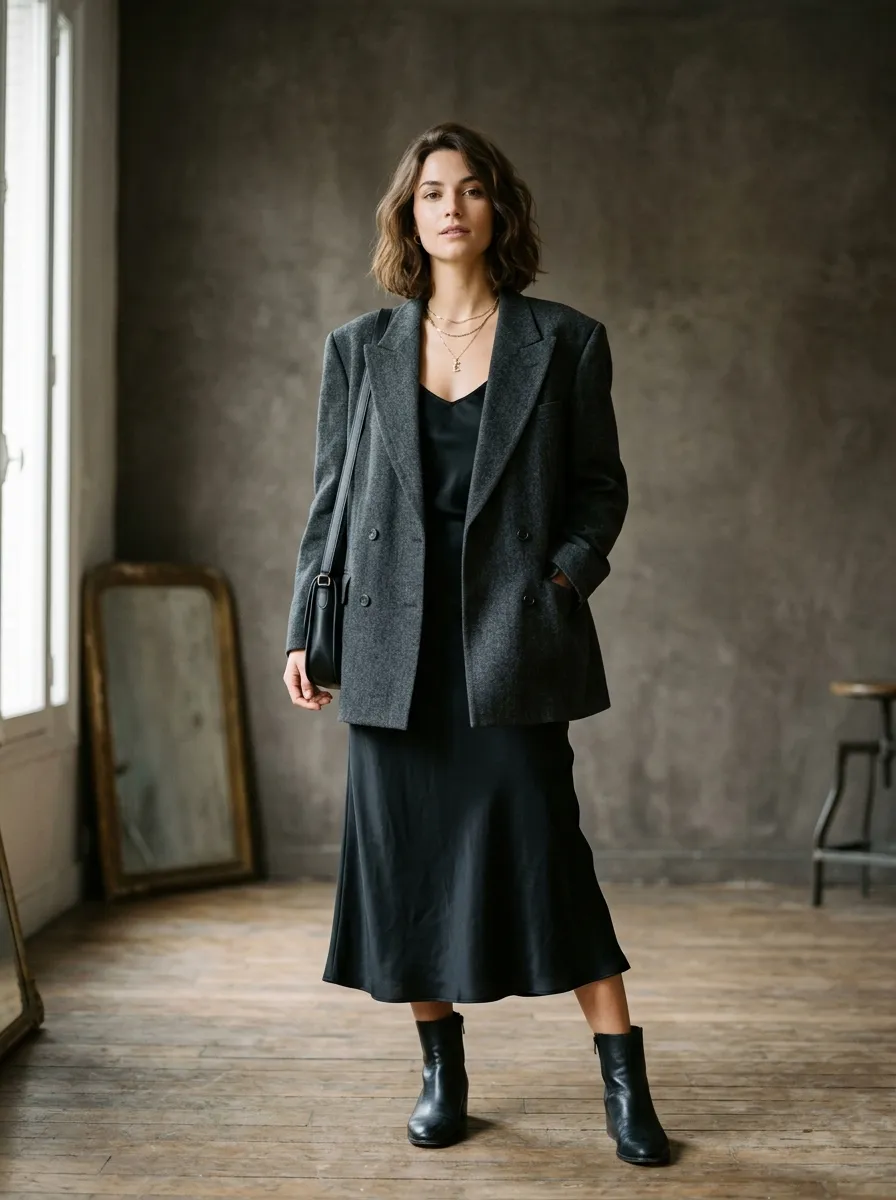
Garments shown on a human body for fit and styling context. AI generates on-model imagery without booking models, coordinating schedules, or managing model release agreements. Specify the model's styling context, pose, and setting. This is particularly valuable for brands that want to show diverse representation across their catalog without the cost of booking multiple models for every shoot.
Lifestyle Photography
Contextual imagery showing garments in real-world settings — a blazer in a coffee shop, a dress at a gallery opening, activewear in a park. Lifestyle photography is the most expensive traditional format because it requires location permits, travel, and environmental control. AI generates lifestyle imagery in any setting imaginable from a text description, with consistent lighting and composition regardless of the specified location.
The key advantage is workflow unification. Instead of using ghost mannequin for product listings, hiring a photographer for on-model shots, and outsourcing lifestyle imagery to a content studio, you produce all content types in a single platform with a single workflow. Describe what you want, generate, download, publish.
Cost Analysis: 500 Product Images
To illustrate the financial difference at catalog scale, here is a detailed breakdown for producing 500 product images — a typical volume for a mid-size fashion brand with 80 to 100 SKUs at 5 to 6 images per product.
Traditional Ghost Mannequin Pipeline
AI with Smasher Studio
Even at the low end of ghost mannequin costs ($12,700), AI delivers a 99.2% cost reduction. At the high end ($39,800), the savings are even more dramatic. For brands producing 500+ product images per season across multiple collections, AI content generation represents tens of thousands of dollars in annual savings — capital that can be redirected to product development, marketing, or inventory.
When to Use What: Ghost Mannequin vs AI
AI is a superior alternative for most product photography use cases, but ghost mannequin photography still has specific strengths worth acknowledging. The most effective approach depends on your products, your scale, and your specific content needs.
Ghost Mannequin Still Makes Sense When...
- You need to photograph the interior construction of a finished sample (lining, label placement, seam finishing) for quality documentation
- You have a small number of SKUs (under 20) and already own the mannequins and studio equipment
- Your retail partners specifically require photographs of the actual physical product (some luxury retailers have this requirement)
- You need to capture precise color matching for production reference (AI colors are accurate but not Pantone-matched)
AI Is the Better Choice When...
- You need product imagery before physical samples exist (pre-production, pre-orders, concept validation)
- Your catalog has more than 50 products and you need to scale content production efficiently
- You sell accessories, shoes, bags, or other items that do not fit on a mannequin
- You need multiple photography styles (ghost mannequin + flat lay + lifestyle) and want one unified workflow
- You need to generate colorway variations quickly without re-shooting each color
- Your budget does not allow for studio rental, photographer fees, and retouching costs
Migration Guide: Switching from Ghost Mannequin to AI
Transitioning from ghost mannequin photography to AI does not have to be an all-or-nothing switch. Most brands find the best approach is a gradual migration that lets you validate AI quality against your existing standards before fully committing.
Step 1: Benchmark with Your Best-Selling Products
Start by generating AI product images of 5 to 10 of your current best sellers — products you already have ghost mannequin photos for. Compare the AI output against your existing imagery side by side. Evaluate fabric rendering accuracy, dimensional form, and overall professional quality. This gives you a direct quality comparison using products you know intimately. Use Smasher Studio's free tier (50 credits per month) for this evaluation at zero cost.
Step 2: A/B Test on Your Store
Replace ghost mannequin images with AI images on a subset of product listings and monitor performance. Track click-through rate, time on page, add-to-cart rate, and return rate. Most brands find that AI-generated imagery performs comparably or better than ghost mannequin photography — partly because AI images tend to be more visually consistent across the catalog, and partly because you can generate more images per product (providing customers with more visual information).
Step 3: Use AI for New Products, Maintain Existing Ghost Mannequin Library
Once you are confident in AI quality, adopt it as the default for all new product photography. Keep your existing ghost mannequin images for current products — there is no need to re-shoot products that already have adequate imagery. This hybrid approach lets you migrate naturally as older products retire and new products launch with AI imagery. Over 2 to 3 seasons, your catalog will transition fully to AI-generated content.
Step 4: Configure Brand Memory for Long-Term Consistency
As you commit to AI content creation, set up Smasher Studio's Brand Memory with your photography preferences: background style, lighting setup, typical composition, color temperature, and garment presentation conventions. Brand Memory ensures that images generated today match images generated six months from now, maintaining the visual consistency that ghost mannequin photography provided through standardized physical setups.
Step 5: Expand Beyond What Ghost Mannequin Could Do
Once fully migrated, take advantage of capabilities that ghost mannequin photography never offered. Generate lifestyle imagery alongside product shots. Produce video content from your product images. Create seasonal lookbooks without additional shoots. Explore colorway variations before committing to production. Generate pre-production imagery for products that have not been manufactured yet. AI does not just replace ghost mannequin — it expands what is possible with your content production.
Frequently Asked Questions
Does AI product photography achieve the same 3D effect as ghost mannequin?+
How much does AI product photography cost compared to ghost mannequin?+
Can AI replace ghost mannequin photography for Amazon listings?+
What garment types work with AI but not with traditional ghost mannequins?+
How long does it take to generate a product image with AI?+
Can I generate multiple angles of the same garment with AI?+
Is AI-generated product photography accepted by marketplaces and retailers?+
What if I need to show the inside of a garment (lining, tags, construction)?+
Related Guides
AI Product Photography
The complete guide to generating e-commerce product photos with AI.
Fashion E-Commerce Photography
Optimize product imagery for Shopify, Amazon, and online marketplaces.
360 Product Photography
Generate multi-angle product views for interactive e-commerce listings.
How to Start a Fashion Brand
A complete guide to launching your clothing brand in 2026.
Fashion Brand Content Creation
Create all the visual content your fashion brand needs with AI.
How to Create a Lookbook
Build editorial-quality lookbooks without a photoshoot.
Replace Ghost Mannequin Photography with AI
Generate professional product imagery in seconds — no mannequins, no Photoshop, no studio. Free to start with 50 credits per month, no credit card required.