Product Videos from a Single Image
AI Fashion Video Production
Transform any product image into a professional fashion video. 360-degree turntable rotations, catwalk animations, cinematic zoom pans, and gentle fabric motion — generated by AI in minutes, not weeks. Starting at 40 credits ($4) for a 5-second clip.
Why Video Is No Longer Optional for Fashion E-Commerce
Video has become the dominant content format in online fashion retail. Product pages with video see up to 80% higher conversion rates compared to static images alone. The reason is simple: video shows what photos cannot — how fabric moves, how a garment drapes on a body, how light catches a texture as the viewing angle changes. In fashion, where the physical qualities of a product are the entire value proposition, motion is the closest a customer can get to touching and trying on a garment through a screen.
Social media has accelerated this shift. Instagram Reels, TikTok, and Pinterest Video Pins now generate more engagement and reach than static image posts. The algorithm on every major platform actively prioritizes video content in discovery feeds. Fashion brands that produce regular video content see 3-5x more organic reach than those relying solely on photography. For paid advertising, Meta reports that video ads consistently outperform static image ads in cost-per-click, click-through rate, and return on ad spend across the fashion vertical.
The problem has always been production cost. A single product video — even a basic 15-second turntable rotation — requires a videographer, studio space, lighting equipment, a turntable or model, and editing time. For a fashion brand with 50-200 SKUs, producing video for every product is financially unrealistic with traditional methods. This is the gap that AI video fills: generating professional-quality product videos from a single source image, in minutes, at a cost that makes per-product video coverage economically viable for the first time.
Video Types Available
Smasher Studio generates four distinct motion types, each designed for specific use cases in fashion marketing and e-commerce. You select the motion type when generating your video, and the AI handles camera movement, fabric physics, and timing automatically.
Best for Product Pages
360-Degree Turntable
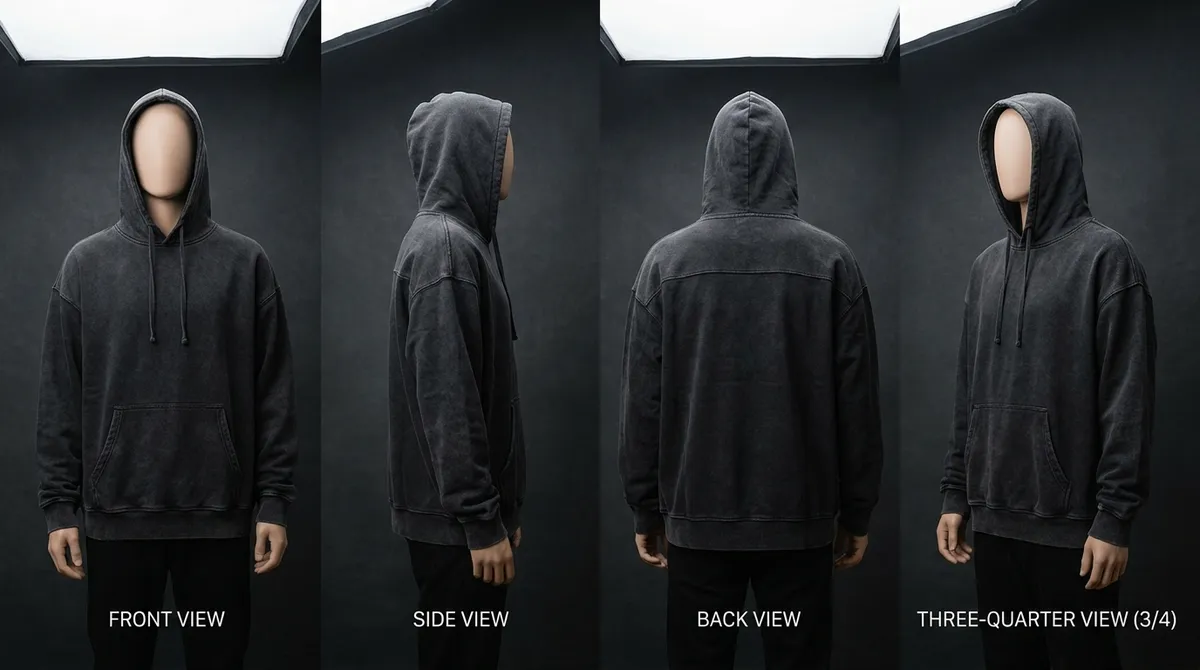
A smooth, continuous rotation that shows your product from every angle. The garment rotates on an invisible axis, revealing front, side, back, and three-quarter views in a single seamless loop. Turntable videos are the gold standard for e-commerce product pages because they give customers the confidence of having "seen the whole product" — the closest online equivalent to picking an item up and turning it over in your hands. Particularly effective for structured garments like blazers, bags, shoes, and outerwear where construction details matter from every angle.
Best for: Product pages, wholesale catalogs, Amazon A+ content
Best for Showing Movement
Catwalk Animation
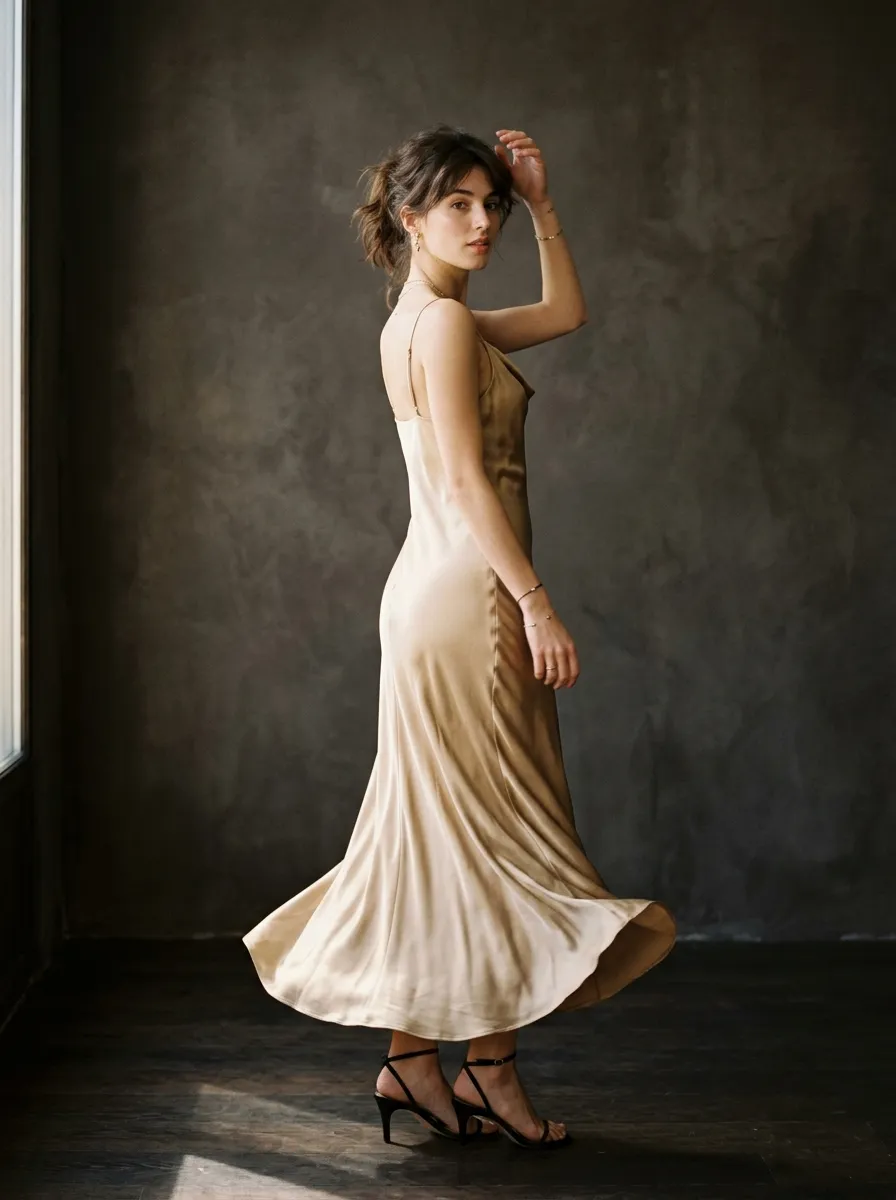
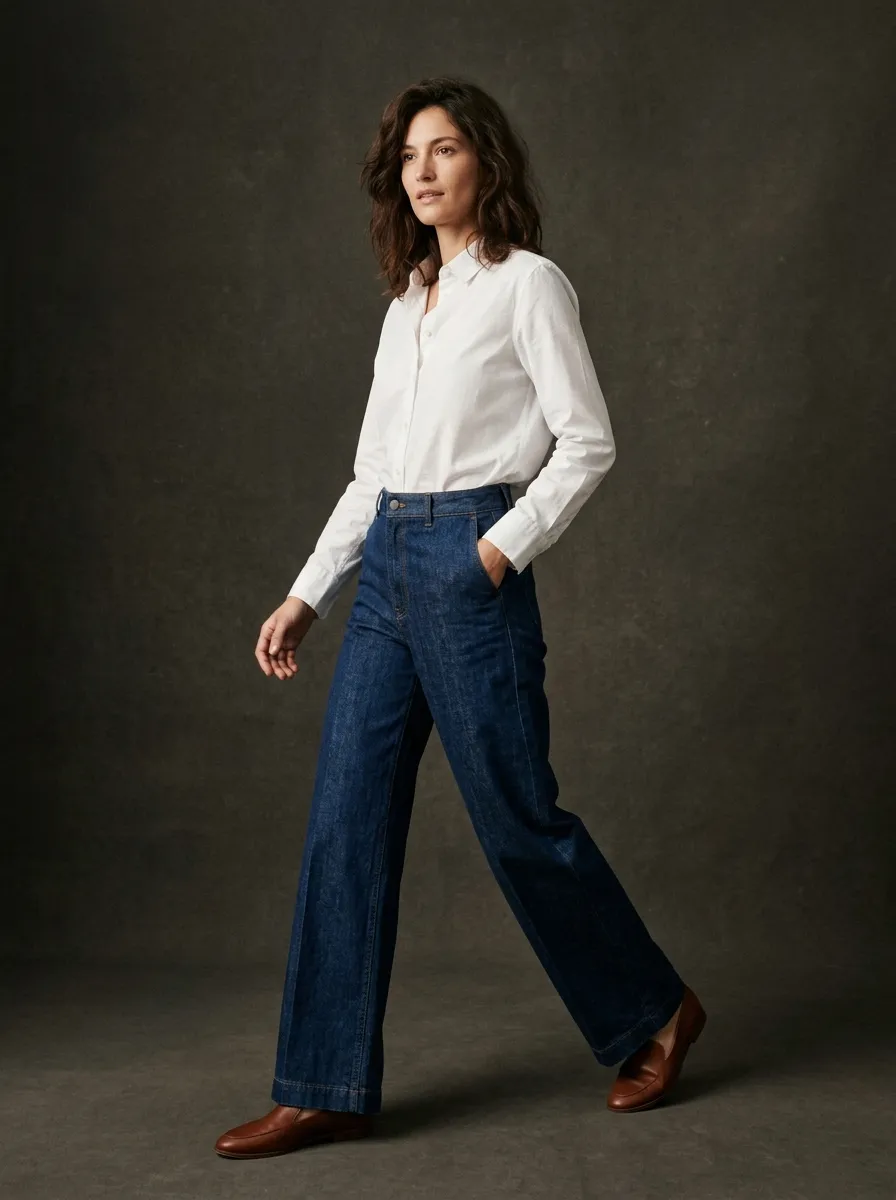
A walking animation that shows how your garment moves on a body. The AI generates realistic stride motion with natural fabric flow — a skirt swaying, a coat opening, trouser legs breaking over shoes. Catwalk videos communicate fit, drape, and movement in a way that static photography simply cannot. They answer the question every online shopper asks: "What does this look like when someone is actually wearing it and moving around?" Catwalk clips are the most engaging video type for social media because they feel dynamic and alive.
Best for: Instagram Reels, TikTok, fashion show previews, brand campaigns
Best for Social Media
Zoom Pan
A slow, dramatic camera movement that starts wide and zooms into a detail — or starts tight on a texture and pulls out to reveal the full garment. Zoom pans create cinematic tension and draw the viewer's eye to specific design details: a unique button, an embroidered collar, the grain of a leather, the sheen of silk. This is the most "scroll-stopping" video type because the gradual reveal builds curiosity. The first 3 seconds of a zoom pan are inherently engaging because the viewer wants to see what the camera is moving toward.
Best for: Instagram Reels, Facebook/Meta ads, hero banners, email marketing
Best for Atmosphere
Gentle Motion
Subtle fabric movement — a breeze catching a hem, silk rippling in slow motion, a collar lifting slightly. Gentle motion videos add life to a product image without the dramatic movement of a turntable or catwalk. They create an atmospheric, almost hypnotic viewing experience that elevates the perceived quality of a product. Use them on product pages where you want the hero image to feel alive rather than static, or as background video loops for brand landing pages. Gentle motion is particularly effective for lightweight fabrics: chiffon, organza, cashmere, and linen.
Best for: Product page hero, website backgrounds, Pinterest Video Pins, luxury positioning
Duration and Pricing
Video generation is priced by duration. Longer videos cost more credits because they require more computational processing and produce more frames of content. Choose the duration that matches your platform and use case.
5 Seconds
Quick product clips, social media previews, animated product cards, and GIF-style loops. Five seconds is enough for a single dramatic reveal, a quarter turntable rotation, or a short burst of fabric motion. This is the most cost-effective option for brands that want to add motion to every product listing without a large video budget.
Best for: Social media clips, product page accents, email GIFs, TikTok product cards
10 Seconds
The sweet spot for most fashion video needs. Ten seconds provides enough time for a full 360-degree rotation, a complete catwalk sequence, or a cinematic zoom with a reveal moment. This duration fits natively into Instagram Reels and TikTok without feeling rushed or padded. Most e-commerce product pages use 8-12 second videos because it is long enough to show the product thoroughly without losing viewer attention.
Best for: Product pages, Instagram Reels, TikTok, paid ads, wholesale presentations
15 Seconds
Extended content for storytelling, multi-angle showcases, or detailed product features. Fifteen seconds allows for a full turntable rotation with a pause for detail, a catwalk sequence with a pose, or a zoom pan followed by a pull-back reveal. Use this duration when you want the video to serve as standalone content rather than a supplementary element alongside photography.
Best for: Longer social content, brand campaigns, YouTube pre-roll, presentations, trade shows
How AI Video Generation Works
Generate or Upload an Image
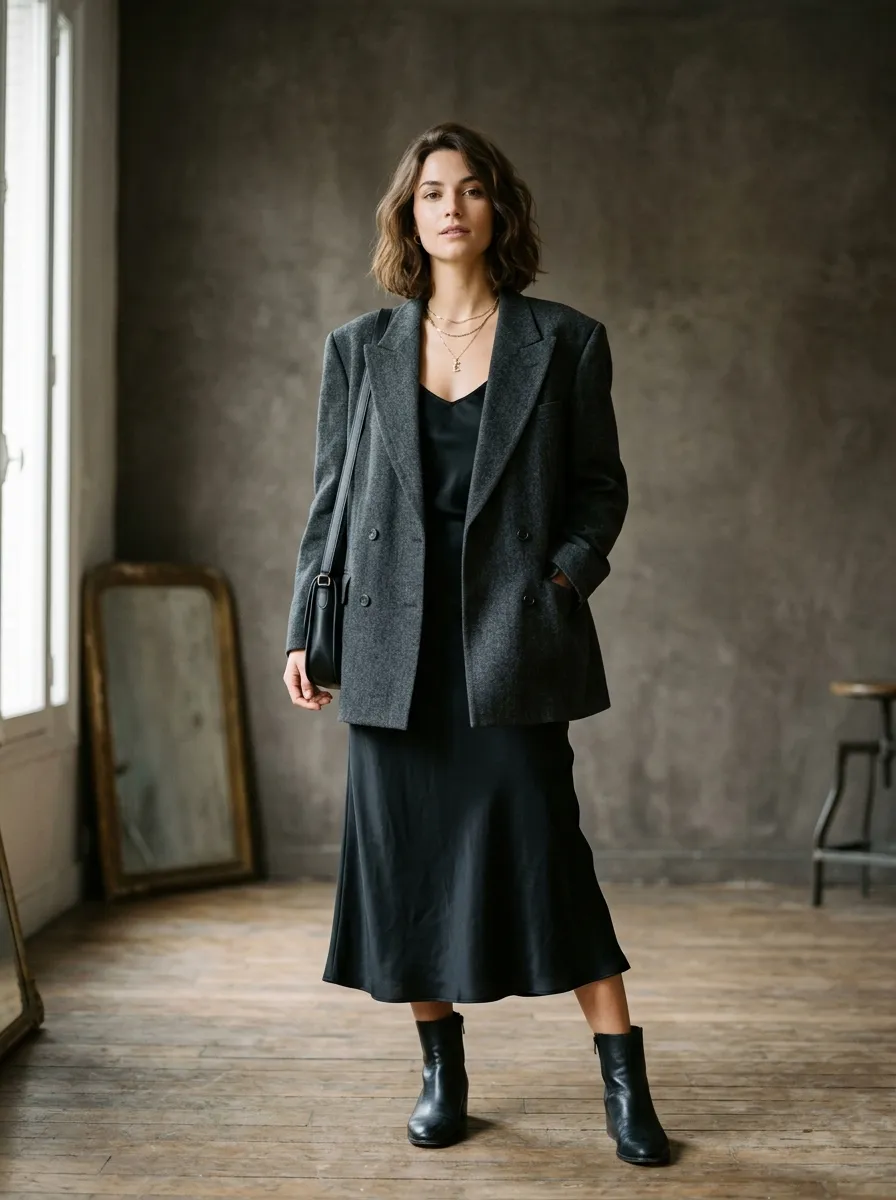
Start with a product image. You can generate one using Smasher Studio's AI product photography tool (5 credits per image), or upload an existing product photo from your own library. The source image quality directly affects the video output — clean, well-lit product shots with detailed textures produce the best results.
Select Motion Type
Choose from 360-degree turntable, catwalk animation, zoom pan, or gentle motion. Tell the AI which type you want in your message, or describe the motion you are looking for and the orchestrator will select the most appropriate type. You can also specify camera angle and movement direction.
Choose Duration
Select 5, 10, or 15 seconds based on your content needs and budget. The AI will inform you of the credit cost before generating. If you are on a free plan (50 credits/month), you will need a paid plan or top-up credits for video generation, as the minimum cost is 40 credits.
AI Generates Video
The system submits your request to the video engine. Generation takes 2-5 minutes. You receive a real-time status update when rendering begins and a notification when the video is complete. The finished MP4 is uploaded to permanent storage and appears in your asset library for immediate download.
The Async Generation Pipeline
Unlike image generation, which completes in seconds, video generation is an asynchronous process that takes minutes. Smasher Studio handles this through a job-based pipeline that keeps you informed at every stage without blocking your workflow.
Job submission: When you request a video, the system assigns a unique job ID and submits your generation request to the AI video model. Your chat interface shows a progress indicator with the job status. Credits are reserved at submission time.
Rendering: The AI model processes your source image frame-by-frame, generating motion, camera movement, and fabric physics. For a 10-second video at 24fps, this means rendering 240 individual frames with coherent motion between each one. The rendering stage is where the bulk of processing time occurs.
Completion and storage: Once rendering finishes, the video is encoded to MP4, uploaded to permanent storage, and delivered to your chat interface. You can preview it inline, download the full-resolution file, or continue generating additional video variants from the same source image. The video URL never expires — it is permanently accessible from your asset library.
Continue working: You do not need to wait for a video to finish before doing other things. While a video renders, you can generate images, start another video, chat with the AI about your next design, or work on a different project entirely. The system will notify you when each video completes.
The Engines Powering Video Generation
Smasher Studio uses a multi-engine architecture with automatic fallback. If the primary engine is temporarily unavailable, the system routes your request to the next-best engine transparently. You always get a result.
Flagship Quality
Primary Engine
The flagship engine for fashion video generation, selected after extensive testing across fabric types, garment categories, and motion styles. It delivers best-in-class fabric physics, 1080p output, native audio, and consistent results.
- Best-in-class fabric physics and drape simulation
- 1080p resolution with native audio generation
- Precise camera control and movement paths
- Reliable turntable and rotation animations
- Excellent color consistency with source image
- Proven reliability at production volume
Texture Specialist
First Fallback
The first fallback activates when the primary engine is at capacity or temporarily unavailable. It delivers excellent results for organic fabric motion and complex texture rendering, making it particularly strong for editorial and lookbook content.
- Smooth, natural motion with minimal artifacts
- Handles complex textures: sequins, knits, sheers
- Strong organic fabric flow simulation
- Audio generation capabilities
- Multi-duration support
- Excellent for editorial and lookbook style
Cinematic Reserve
Second Fallback
The final fallback ensures you always receive a generated video even during peak demand. Known for its cinematic quality, it excels at editorial-style motion — walking sequences, dramatic reveals, and lifestyle scenarios. It is the most film-like of the three.
- Cinematic visual quality
- Strong narrative motion (walking, posing)
- High-fidelity texture rendering
- Reliable generation with low failure rate
- Excellent for editorial and lookbook style
- Silent output (no native audio)
Use Cases: Where AI Fashion Video Makes the Biggest Impact
E-Commerce Product Pages
Adding video to product pages increases conversion by up to 80% according to data from Shopify and BigCommerce merchants. A 10-second 360-degree turntable rotation gives shoppers the confidence to purchase by showing the product from every angle. Turntable videos also reduce return rates because customers have a more accurate understanding of what they are buying. For fashion specifically, on-body catwalk videos address the fit question that drives the majority of apparel returns. At $20 per 10-second video, the ROI is immediate — even a modest improvement in conversion or reduction in returns pays for hundreds of generated videos.
Instagram Reels and TikTok
Short-form video is the primary discovery channel for fashion brands on social media. Instagram and TikTok algorithms both prioritize video content, giving Reels and TikToks 3-5x the organic reach of static image posts. The challenge has always been producing enough video content to maintain a consistent posting schedule. With AI video, you can generate fresh product videos daily without a content production team. A zoom pan of a new arrival, a turntable of a bestseller, a gentle motion loop of a seasonal fabric — each takes minutes to generate and performs as well as traditionally produced content in engagement metrics.
Facebook and Meta Advertising
Video ads on Meta platforms consistently outperform static image ads in fashion verticals. Meta's own research shows that video ads achieve 10-30% lower cost-per-action compared to image ads for apparel brands. The key is volume: successful Meta ad campaigns require testing multiple creative variants to find winners. With AI video, you can generate 10 different video versions of a product (different motion types, different source angles, different durations) and test all of them simultaneously. At $10-30 per video, your creative testing budget goes 10-50x further than with traditional production.
Pinterest Video Pins
Pinterest Video Pins receive 6x more engagement than static Pins in the fashion category. Pinterest shoppers have the highest purchase intent of any social platform — they are actively searching for products to buy. A 5-second gentle motion video of your product as a Video Pin can drive significant traffic to your product page. The vertical 9:16 format works perfectly, and Pinterest users expect aspirational, well-produced visual content. AI-generated fashion videos match the quality bar that Pinterest audiences demand.
Wholesale Buyer Presentations
When presenting a new collection to wholesale buyers or retail partners, video dramatically increases the perceived value and professionalism of your pitch. A 15-second turntable video of each key style in a line sheet or presentation deck communicates quality and attention to detail. Buyers who receive video alongside photography are more likely to place larger orders because they can better evaluate fabric movement, construction quality, and overall design intent. This is especially valuable for pre-production selling, where physical samples may not exist yet.
Traditional Video Production Costs vs. AI
Traditional Production
Cost per product video (10-second clip)
- Videographer (day rate, amortized)$200-500
- Studio rental (amortized)$100-300
- Model (if on-body, amortized)$150-400
- Equipment (turntable, lighting)$50-100
- Post-production / editing$100-300
- Total per video$600 - $1,600
- Timeline2-4 weeks
- Requires physical sampleYes
AI Video Generation
Same 10-second product video
- Source image (if generating new)$0.50 (5 credits)
- 10-second video generation$8 (80 credits)
- Post-production$0
- Studio / equipment$0
- Physical sample requiredNo
- Total per video$8.50
- Timeline2-5 minutes
- Savings vs traditional97-99%
Video Best Practices for Fashion Content
The first 3 seconds decide everything. On every social platform, viewers decide whether to keep watching within the first 3 seconds. For fashion product videos, this means leading with your strongest visual — the most interesting angle, the most dramatic fabric movement, or the most striking detail. Avoid slow intros or fade-ins. Zoom pans are particularly effective openers because the camera movement immediately captures attention.
Match duration to platform. TikTok and Instagram Reels perform best at 5-10 seconds. Product page videos work well at 10-15 seconds. Facebook video ads peak at 6-10 seconds. Pinterest Video Pins should be 6-15 seconds. Do not generate a 15-second video for a platform where 5 seconds is optimal — shorter content consistently outperforms longer content in completion rate and engagement metrics.
Auto-play considerations. Most social platforms auto-play video without sound. Your fashion video must communicate its message visually — it should not rely on audio to be effective. Turntable rotations, zoom pans, and gentle motion are all inherently visual and work perfectly in silent auto-play contexts. If you add text overlays or captions in post-production, keep them in the center 80% of the frame to avoid being cropped by platform UI elements.
Loop-friendly endings. Many product videos on social media and e-commerce sites play on loop. Design your video so that the ending flows naturally back into the beginning. Turntable rotations are inherently loop-friendly. For zoom pans and gentle motion, consider generating a clip that returns to its starting position. Seamless loops dramatically increase total view time and engagement.
Generate multiple variants. One of the greatest advantages of AI video is the ability to quickly produce multiple versions. Generate a turntable AND a zoom pan AND a gentle motion clip for the same product. Use the turntable on your product page, the zoom pan in your Instagram ad, and the gentle motion as your Pinterest Video Pin. Different platforms and placements respond to different motion types, and AI makes it economically feasible to test this instead of guessing.
Frequently Asked Questions
How long does it take to generate a fashion video?+
What image quality do I need for the source image?+
Can I use AI-generated videos in paid advertising?+
What AI technology powers the video generation?+
Can I generate videos longer than 15 seconds?+
Do AI-generated fashion videos include sound?+
What video format and resolution are the outputs?+
How does video pricing compare to competitors?+
Related Tools and Guides
AI Product Photography
Generate the perfect source image for your videos. Studio-quality product shots from text descriptions.
AI Fashion Design
Design entire garments with AI. Explore silhouettes, fabrics, and styles before generating photos and videos.
MCP Integration
Generate fashion videos directly from Claude Desktop, ChatGPT, or Cursor via the MCP server.
Pricing Plans
Compare Creator (350 credits), Studio (900 credits), and Pro (2,000 credits) plans.
Get Started Free
Create an account and get 50 free credits monthly. Generate images to use as video source material.
Turn Every Product Photo into a Video
Stop losing sales to static listings. AI fashion video gives every product in your catalog the motion content that drives conversions on product pages and social feeds.