E-Commerce Video
360° Product Photography for Fashion
Generate smooth, professional turntable product videos from a single image. No motorized platform, no camera rig, no stitching software. AI creates a complete 360° rotation from a single reference photo, boosting e-commerce conversion by up to 27%.
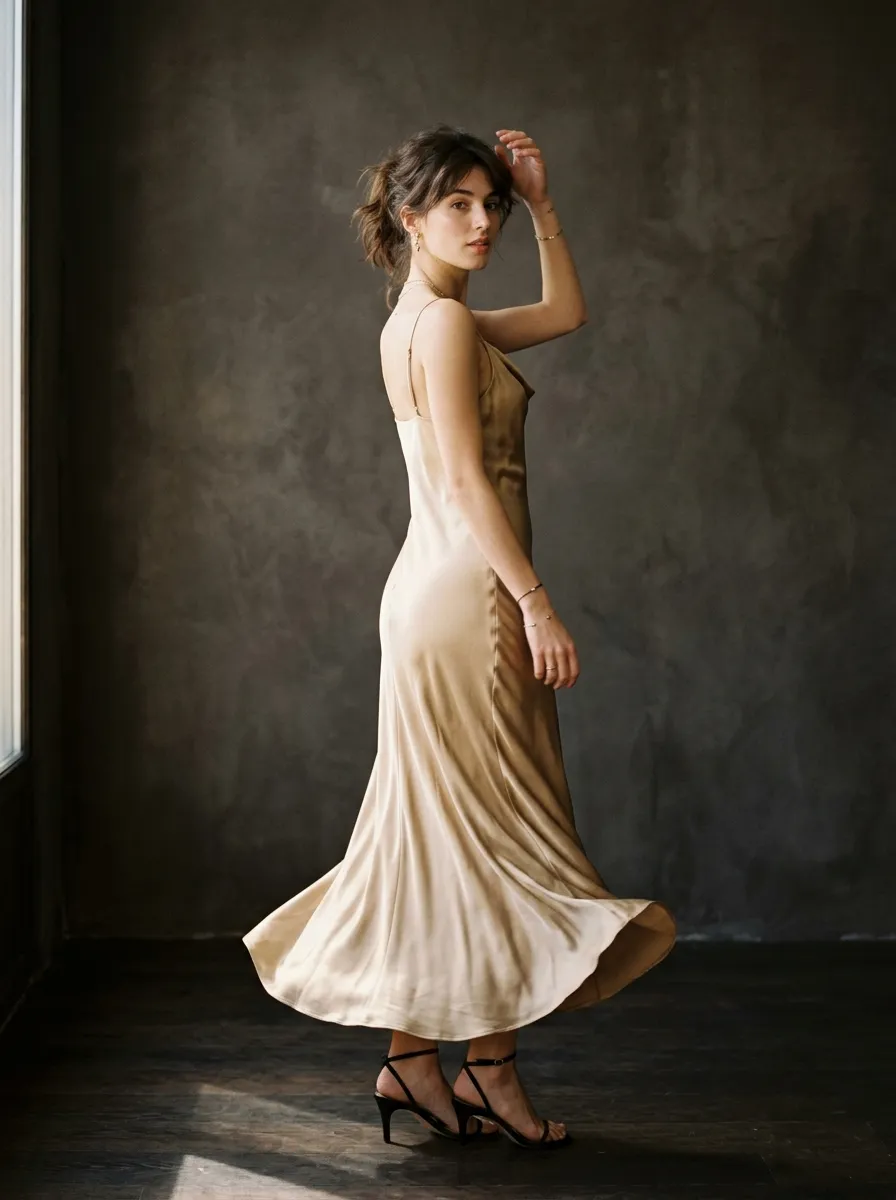
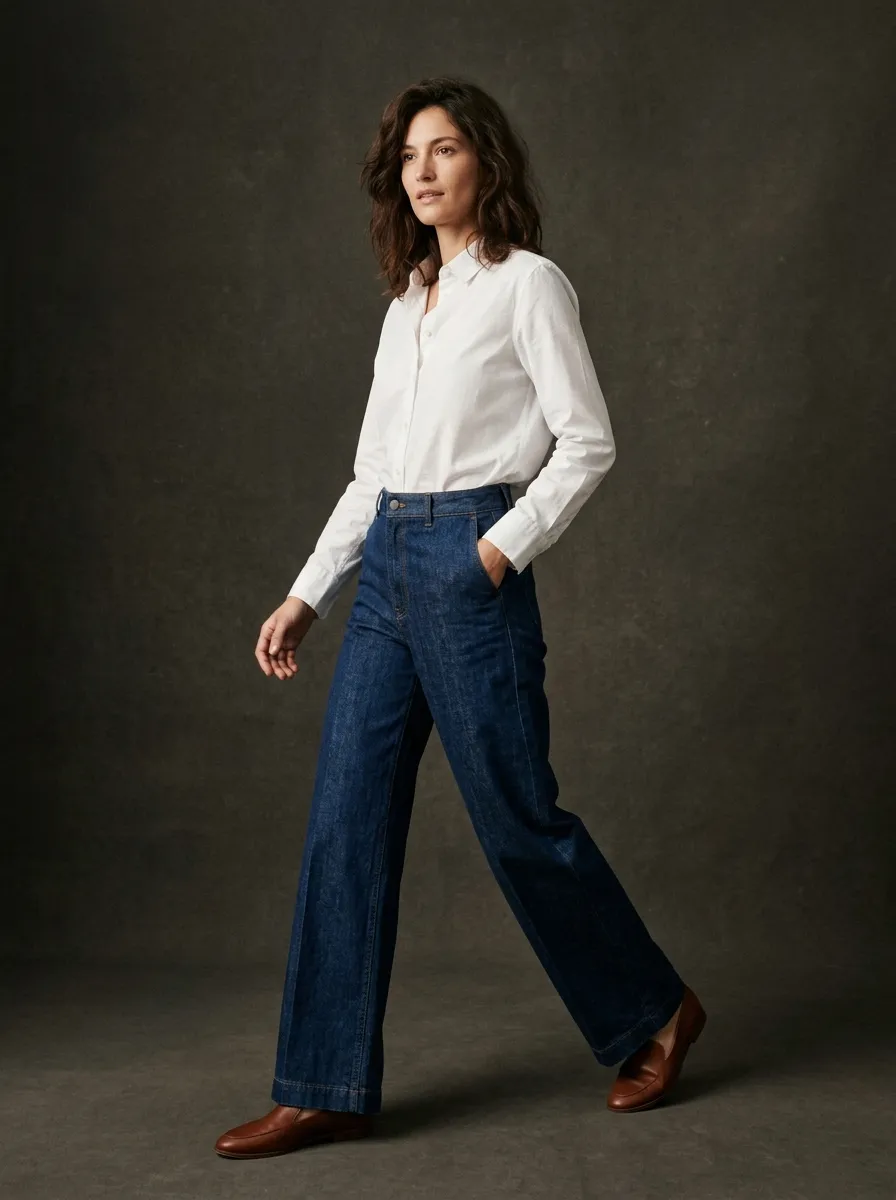
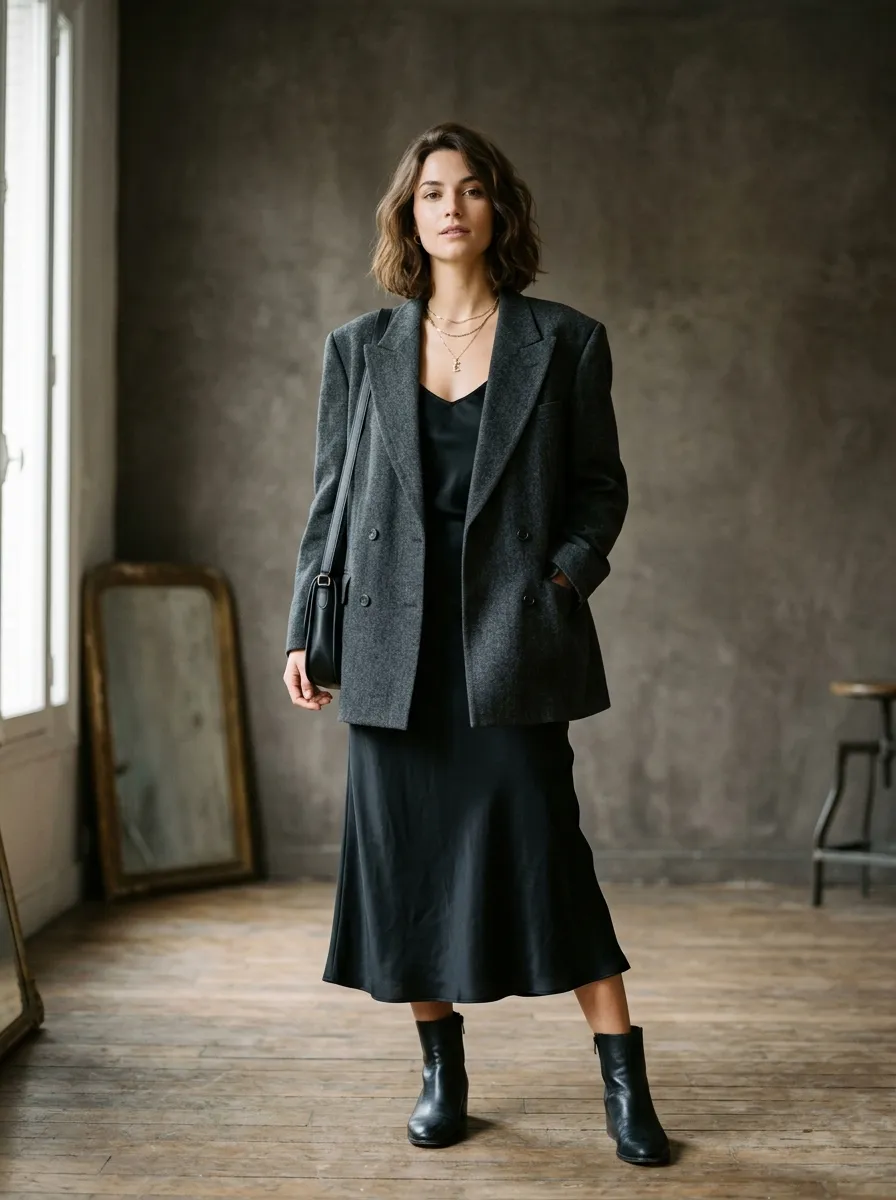
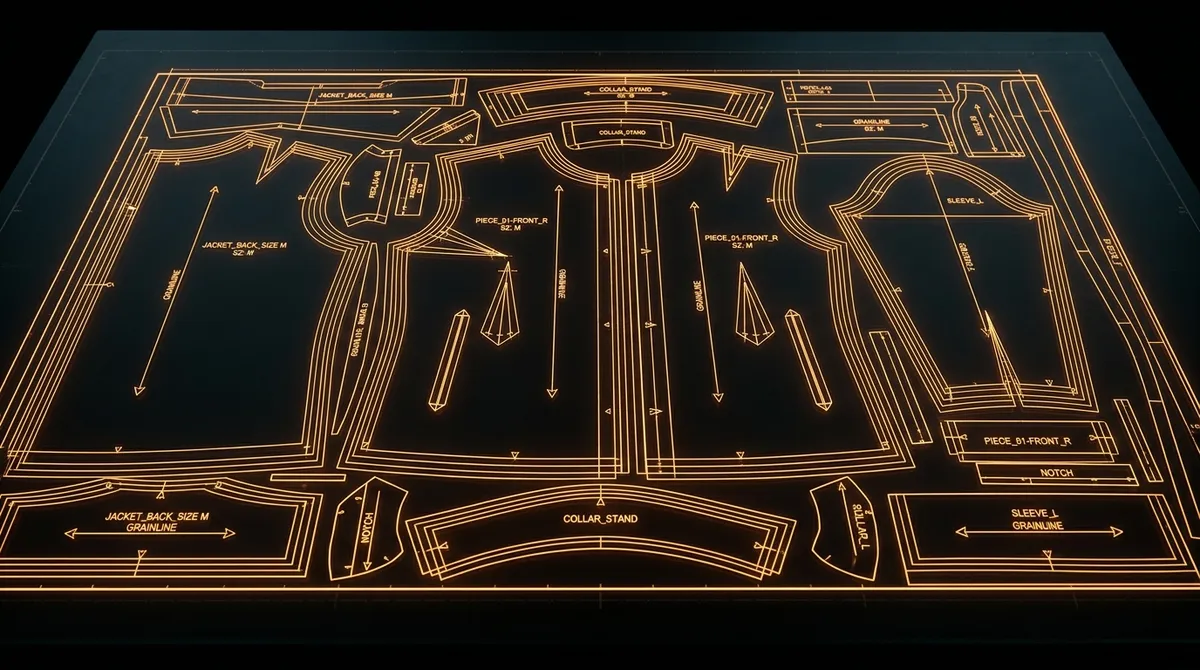
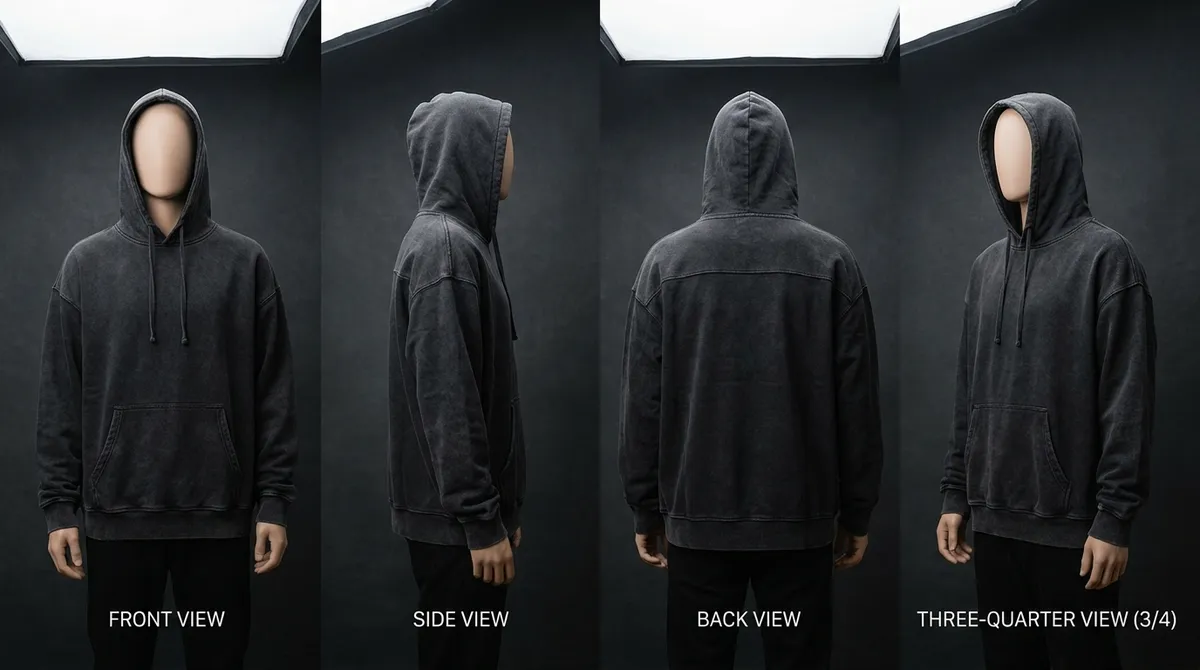
Why 360° Product Views Convert More Shoppers
Online shoppers cannot touch, hold, or try on your products. Every piece of visual information you provide closes that gap between digital browsing and the in-store experience. Static product photos show one angle. A gallery of four or five images shows a few more. But a 360° product video shows every angle in a single, continuous motion — giving shoppers the spatial understanding they need to buy with confidence.
The numbers back this up consistently. Research across major e-commerce platforms shows that product listings with 360° views see conversion rate increases of 20 to 30 percent. Return rates drop by 15 to 25 percent because customers have a more accurate understanding of the product before purchase. Time on product pages increases by 25 to 40 percent, signaling deeper engagement that search engines reward with better rankings.
For fashion specifically, 360° views solve problems that static images cannot. They show how a garment looks from the back — where pockets, seams, vent details, and logo placement often differ from the front. They reveal the side silhouette, which is critical for fitted garments like blazers and dresses. They demonstrate how fabric moves and catches light at different angles, giving shoppers a better sense of material quality. In a category where returns average 20 to 30 percent and the primary reason is "item looked different than expected," 360° content directly addresses the root cause.
What Is 360° Product Photography?
360° product photography — also called turntable photography, spin photography, or product rotation — is a technique that captures a product from every horizontal angle. Traditionally, this involves placing the product on a motorized rotating platform and taking a photograph at regular intervals — typically every 5 or 10 degrees — as the platform completes a full rotation. The resulting 36 to 72 images are then compiled into an interactive viewer or a video that shows the product spinning smoothly.
The concept dates back to the early days of e-commerce, when retailers realized that more visual information led to more sales. Automotive websites were among the first to adopt 360° views, followed by electronics and furniture. Fashion has been slower to adopt the format, primarily because the setup cost per product is high and fashion catalogs change seasonally — meaning you would need to re-shoot hundreds or thousands of products every few months.
AI has fundamentally changed this calculation. Instead of photographing a product from 36 angles, you provide a single image and let the AI generate the full rotation. The output is a video file — a smooth, continuous spin — rather than a series of stitched frames. This eliminates the equipment, the photographer, the studio time, and the post-production pipeline. What previously cost $50 to $200 per product now costs $10 to $30 and takes minutes instead of hours.
The Traditional 360° Photography Setup
Understanding what traditional 360° photography requires helps contextualize why AI alternatives represent such a significant shift. Here is what a professional 360° product photography setup involves for fashion:
Motorized Turntable
A rotating platform with precise angle control. Entry-level units start at $200 for basic rotation. Professional turntables with programmable stops, remote triggers, and heavy-duty motors cost $1,000–2,000. The turntable must support the weight and size of your product — garments on mannequins require larger, heavier-duty platforms.
Camera and Lens
A DSLR or mirrorless camera with a macro-capable lens for detail shots. Product photography typically uses a 50mm or 85mm lens at f/8–f/11 for maximum sharpness. Camera bodies suited for this work cost $1,000–3,000, lenses $300–1,500.
Lighting Rig
A minimum three-point lighting setup — key light, fill light, and backlight — to eliminate shadows and ensure consistent exposure across all angles. LED panels or softboxes range from $200 to $2,000 for a complete setup. Consistent lighting across 360° is the most technically challenging aspect.
Ghost Mannequin or Model
Fashion 360° typically uses an invisible (ghost) mannequin to give the garment a three-dimensional shape without a visible form. Ghost mannequins cost $50–300 each and require post-production editing to remove visible parts. Model photography adds $200–500 per session.
Capture Software
Software that synchronizes the turntable rotation with the camera shutter, ensuring each frame is captured at the exact right angle. Professional options like Orbitvu or Shutter Stream cost $500–5,000 for licenses.
Stitching and Post-Production
The 36–72 raw images need color correction, background removal, and stitching into either an interactive viewer format (HTML5/JavaScript) or a compiled video. This adds 15–30 minutes of post-production per product using specialized software.
Total startup investment for a basic 360° photography setup: $2,000–10,000. Per-product cost including time: $50–200. For a fashion brand with 200 products per season, that is $10,000–40,000 in 360° photography alone — before accounting for the studio space, the photographer's time, and the inevitable re-shoots when products are styled incorrectly or lighting shifts between sessions.
AI 360° Video: From One Image to Full Rotation
Smasher Studio uses an advanced AI video engine with a dedicated turntable motion type to create 360° product rotation videos from a single source image. The process eliminates every component of the traditional setup: no turntable, no camera rig, no lighting, no stitching software.
The underlying technology works by inferring the three-dimensional structure of the product from a single two-dimensional image. The model has been trained on millions of product images and understands how garments, accessories, and footwear look from different angles. When you submit an image, the AI constructs an internal 3D understanding of the product and generates a smooth video that rotates through a full 360° arc.
You can choose from three video durations. A 5-second video provides a brisk, complete rotation — ideal for e-commerce product pages where attention spans are short. A 10-second video slows the rotation, giving viewers more time to absorb details at each angle. A 15-second video provides the most detailed, leisurely rotation — well suited for premium products where shoppers expect to examine craftsmanship.
5 seconds
40 credits ($4)
Complete 360° rotation. Fast-paced, ideal for standard e-commerce product listings and mobile browsing.
10 seconds
80 credits ($8)
Slower rotation with more detail visible at each angle. Suitable for mid-range products and detailed product pages.
15 seconds
120 credits ($12)
Leisurely rotation showing maximum detail. Best for premium products, luxury brands, and hero product features.
Traditional 360° vs AI 360°: Side-by-Side Comparison
| Factor | Traditional 360° | AI 360° (Smasher Studio) |
|---|---|---|
| Cost per product | $50–200 | $10–30 |
| Time per product | 30–90 minutes | 30 seconds – 2 minutes |
| Equipment required | Turntable, camera, lighting, software ($2K–10K) | None — browser-based |
| Technical skill | Photography + post-production expertise | Upload an image and select motion type |
| Scalability | Linear — each product requires full shoot | Parallel — generate hundreds simultaneously |
| Consistency | Varies with lighting shifts and operator | Consistent output quality across all products |
| Output format | 36–72 images stitched into viewer or video | MP4 video ready for any platform |
| Turnaround | 1–3 business days including post-production | Immediate — results in under 2 minutes |
Where 360° Product Videos Make the Biggest Impact
E-Commerce Product Pages
The primary use case for 360° product videos is the product detail page on your e-commerce site. Whether you sell through Shopify, WooCommerce, BigCommerce, Amazon, or a custom platform, embedding a 360° rotation video alongside your static product images gives shoppers the ability to examine your product from every angle. On Shopify, you can upload the MP4 directly as product media. On Amazon, product videos are supported in the A+ Content section and in Sponsored Brands video campaigns. The 360° video plays automatically or on tap, providing an immersive experience without requiring any interactive viewer plugin.
Mobile Shopping Experience
More than 70 percent of fashion e-commerce traffic now comes from mobile devices. On small screens, scrolling through a gallery of five or six product images is tedious and provides an incomplete picture. A single 360° video replaces the entire gallery with a continuous view that mobile shoppers can watch in a few seconds. The video format is native to mobile — it loads fast, plays inline, and requires no special viewer or plugin. This makes 360° video particularly effective for mobile conversion, where reducing friction by even a small amount can meaningfully impact sales.
Social Media Content
360° product rotation videos perform exceptionally well on Instagram Reels, TikTok, and Pinterest Video. The spinning motion is inherently attention-grabbing in a scrolling feed, and the format showcases products in a way that static images cannot. Fashion brands use 360° videos as organic content, paid ads, and stories. The 5-second duration aligns perfectly with Reels and TikTok pacing. The 15-second version works well for longer-form Pinterest content and YouTube Shorts.
Wholesale and Buyer Presentations
When presenting a collection to wholesale buyers — whether in person, at trade shows, or via digital line sheets — 360° product videos demonstrate your products more effectively than static images. Buyers can evaluate silhouette, construction details, and overall quality from every angle without requiring physical samples for every style. This is particularly valuable for pre-order selling, where buyers commit before production samples exist. A 360° video conveys product quality and design intent more convincingly than any combination of flat images and tech drawings.
Pre-Production Visualization
Before you invest in production, you can use AI 360° video to visualize how your designed product looks from every angle. This is invaluable for catching design issues that are invisible from the front view — unintended back seam placement, asymmetric pocket positioning, or a collar shape that reads differently in profile. Generating a 360° rotation early in the design process can prevent costly corrections after samples are sewn.
Platform Compatibility: Where 360° Content Works
360° product content takes two primary forms: interactive spin viewers (where the shopper drags to rotate) and video rotations (a pre-rendered spin that plays automatically). Smasher Studio generates the video format, which has the broadest compatibility and requires no special plugins or code. Here is how 360° video works across major platforms:
Shopify
Upload MP4 directly as product media. Displays in the product image gallery alongside static photos. Supports autoplay on hover. Third-party apps like Magic 360 can convert to interactive spin if desired.
Amazon
Product videos supported in A+ Content (Enhanced Brand Content) and Sponsored Brands campaigns. Videos appear on product detail pages below the main image gallery. Maximum 60 seconds, MP4 format.
WooCommerce
Upload as product gallery media or embed using native WordPress video block. Compatible with WooCommerce 360° Image plugins for interactive viewing. Standard MP4 playback works out of the box.
Squarespace & Wix
Both platforms support video in product galleries. Upload MP4 directly to product media. Videos play inline on product pages. Squarespace supports autoplay for looping product showcases.
Instagram & TikTok
Upload 360° videos as Reels (Instagram) or videos (TikTok). The spinning motion is native to short-form video and performs well in algorithm-driven feeds. Use 5s or 10s versions for optimal engagement.
Custom Websites
Embed the MP4 using a standard HTML5 video tag with autoplay, loop, and muted attributes for a seamless inline experience. No JavaScript library or plugin required.
Why 360° Matters More for Fashion Than Any Other Category
360° product views are valuable in any e-commerce category, but they solve category-specific problems for fashion that make them disproportionately impactful. Fashion has the highest return rate of any e-commerce category — averaging 20 to 30 percent — and the primary driver is visual misunderstanding. The customer expected the product to look a certain way and received something that did not match their mental model. 360° content directly addresses this gap.
Back details are invisible in standard photography. A blazer photographed from the front looks nearly identical whether it has a single vent, double vents, or no vent at all. The back view — including yoke construction, back pockets on jeans, cape-back detailing on coats, and logo placement on t-shirts — contains information that many shoppers consider essential. A 360° rotation naturally reveals these details without requiring a separate back-view photo that shoppers may not scroll to see.
Side silhouette defines how garments actually fit. The side view of a garment reveals its true silhouette — how much a dress flares, how slim a trouser tapers, how much structure a blazer shoulder has. Front-facing photos flatten these three-dimensional qualities. A 360° rotation provides the side view naturally, giving shoppers a more accurate understanding of fit and proportion.
Fabric behavior changes with angle. The way fabric catches light, drapes, and moves varies significantly across angles. A satin dress that looks matte from the front may reveal its full luster when viewed from a 45-degree angle. A tweed blazer shows its texture more clearly in three-quarter view than head-on. 360° rotation showcases these fabric characteristics naturally, giving shoppers a more tactile understanding of the material without physical contact.
Reduced returns save more than revenue. Each return costs an average of $10 to $15 in shipping, processing, and restocking. For a brand selling 1,000 units per month with a 25 percent return rate, that is $2,500 to $3,750 in monthly return costs. Reducing returns by even 15 percent — a conservative estimate for 360° content — saves $375 to $560 per month. For a 200-product catalog, AI 360° videos cost $2,000 to $6,000 as a one-time investment, meaning the return reduction pays for the content within one to two months.
How to Create AI 360° Product Videos: Step by Step
Generate or Upload Your Product Image
Start with a clean product image. This can be a photo you have already taken, or you can generate one using Smasher Studio's AI product photography tool. For best results, use an image with a clean background (white, light gray, or transparent), good lighting, and the product centered in frame. Ghost mannequin shots, flat lays, and clean product-only images all work well.
Open the Creative Studio Chat
Navigate to the Creative Studio in Smasher Studio. The chat interface is where you interact with the AI. You can reference any image already in your session or describe a new product from scratch.
Request a Turntable Video
Tell the AI you want a 360° turntable video. For example: "Generate a 360° turntable rotation video of this jacket, 5 seconds." The AI will use the turntable motion type to create a smooth product spin. You can specify the duration — 5, 10, or 15 seconds — based on how detailed you want the rotation.
Review and Download
The video generates in 30 seconds to 2 minutes. Review the rotation directly in the Creative Studio. If you are satisfied, download the MP4 file from your assets panel. The video is automatically saved to permanent storage and remains accessible from your dashboard.
Upload to Your E-Commerce Platform
Add the downloaded MP4 to your product listing. On Shopify, upload it as product media. On Amazon, add it to your A+ Content. On social media, post it directly as a Reel, TikTok, or Pin. The video is optimized for web playback with compact file sizes and standard format compatibility.
Pricing: 360° Video at a Fraction of Traditional Cost
5-Second Rotation
$4
40 credits
Fast, complete 360° spin. Standard e-commerce.
10-Second Rotation
$8
80 credits
Detailed rotation. Mid-range products.
15-Second Rotation
$12
120 credits
Premium, slow rotation. Luxury products.
Cost Comparison: 200-Product Catalog
Traditional 360° Photography
- Equipment: $2,000–10,000 (one-time)
- Per product: $50–200
- 200 products: $10,000–40,000
- Timeline: 2–4 weeks of studio time
- Re-shoots: Additional cost per correction
AI 360° Video (Smasher Studio)
- Equipment: $0 (browser-based)
- Per product: $10–30
- 200 products: $2,000–6,000
- Timeline: 1–2 days
- Re-generations: Same cost, instant results
Subscription Plans
Creator — $19/mo
350 credits (eight 5s videos or four 10s videos)
Studio — $49/mo
900 credits (twenty-two 5s videos or eleven 10s videos)
Pro — $99/mo
2,000 credits (fifty 5s videos or twenty-five 10s videos)
Frequently Asked Questions
How does AI generate a 360° video from a single image?+
What video lengths are available for 360° product videos?+
Can I use 360° product videos on Shopify, Amazon, or other platforms?+
How does 360° product photography compare to traditional turntable photography?+
Do I need a clean product photo to generate a 360° video?+
What file format and resolution are the 360° videos delivered in?+
Can I generate 360° videos for accessories like bags, shoes, and jewelry?+
How long does it take to generate a 360° product video?+
Explore More AI Fashion Tools
AI Product Photography
Generate professional product photos from text descriptions.
AI Fashion Video
Create catwalk, motion, and zoom-pan videos from a single image.
AI Fabric Simulation
Visualize any garment in 15+ fabrics before ordering samples.
Multi-Angle Views
Generate consistent front, back, side, and detail product views.
Every Angle. One Image. Zero Equipment.
Transform your product listings with AI-powered 360° rotation videos. Higher conversion, lower returns, and a fraction of the cost of traditional turntable photography. Get started with free credits today.
Generate Your First 360° Video — Free