Midjourney Alternative for Fashion
Smasher Studio as a Midjourney Alternative for Fashion
Midjourney is a general-purpose image generator. Smasher Studio is built around garments: multi-angle views, colorways, fabric looks, video, tech packs and DXF patterns made by a pattern maker.
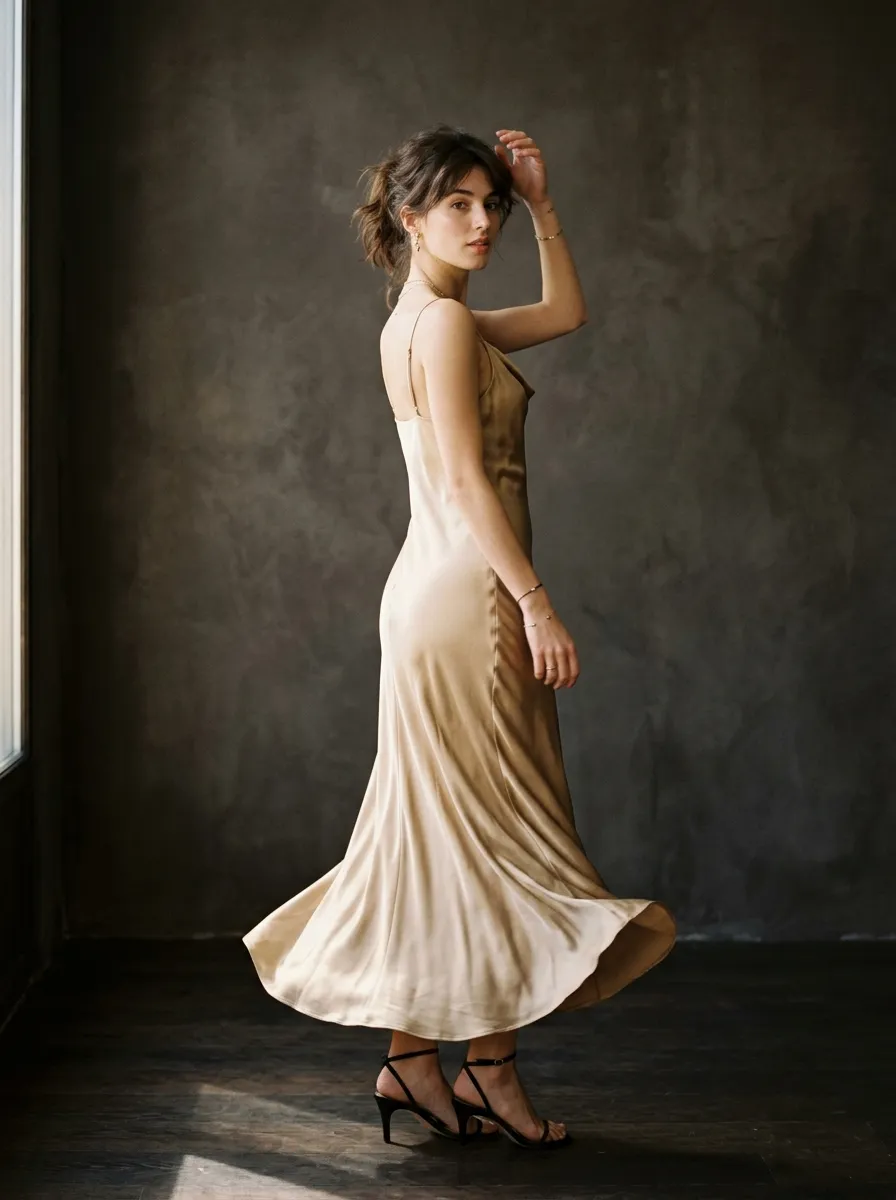
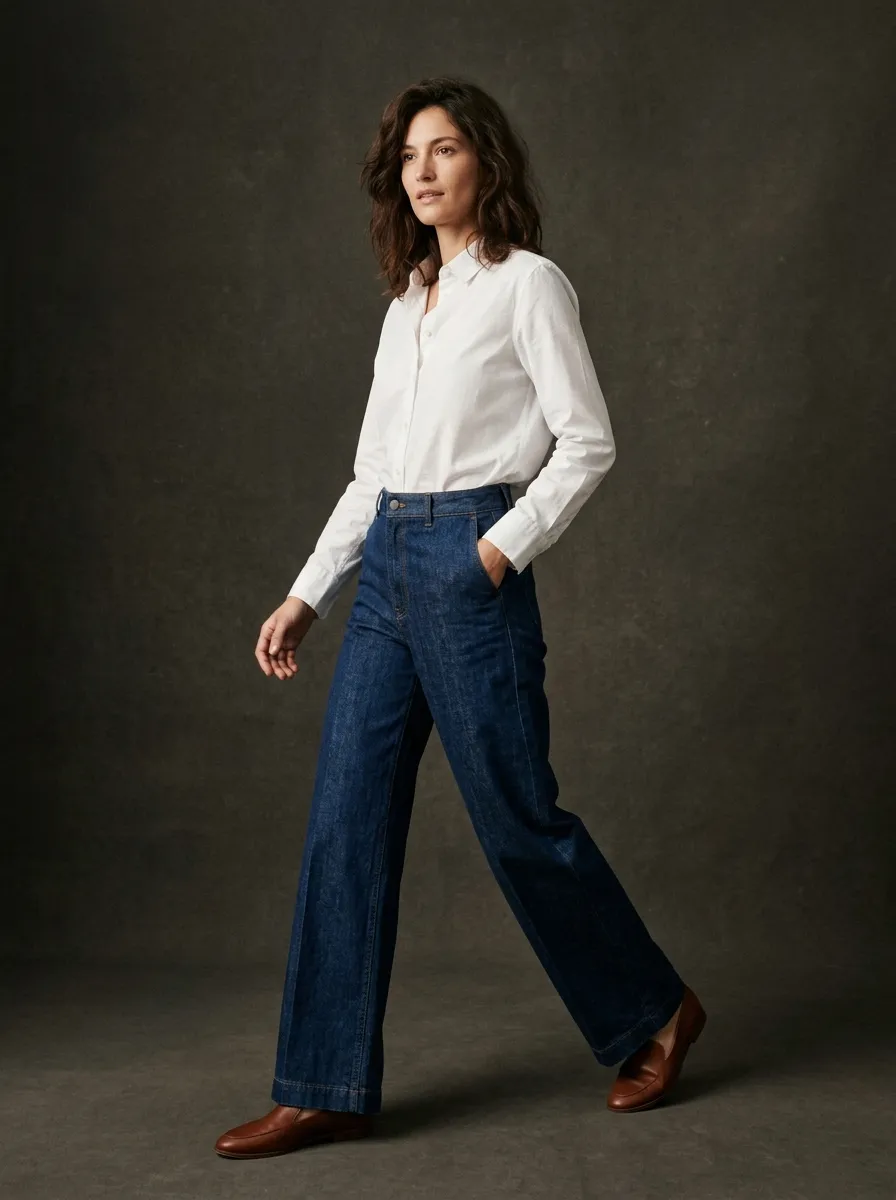
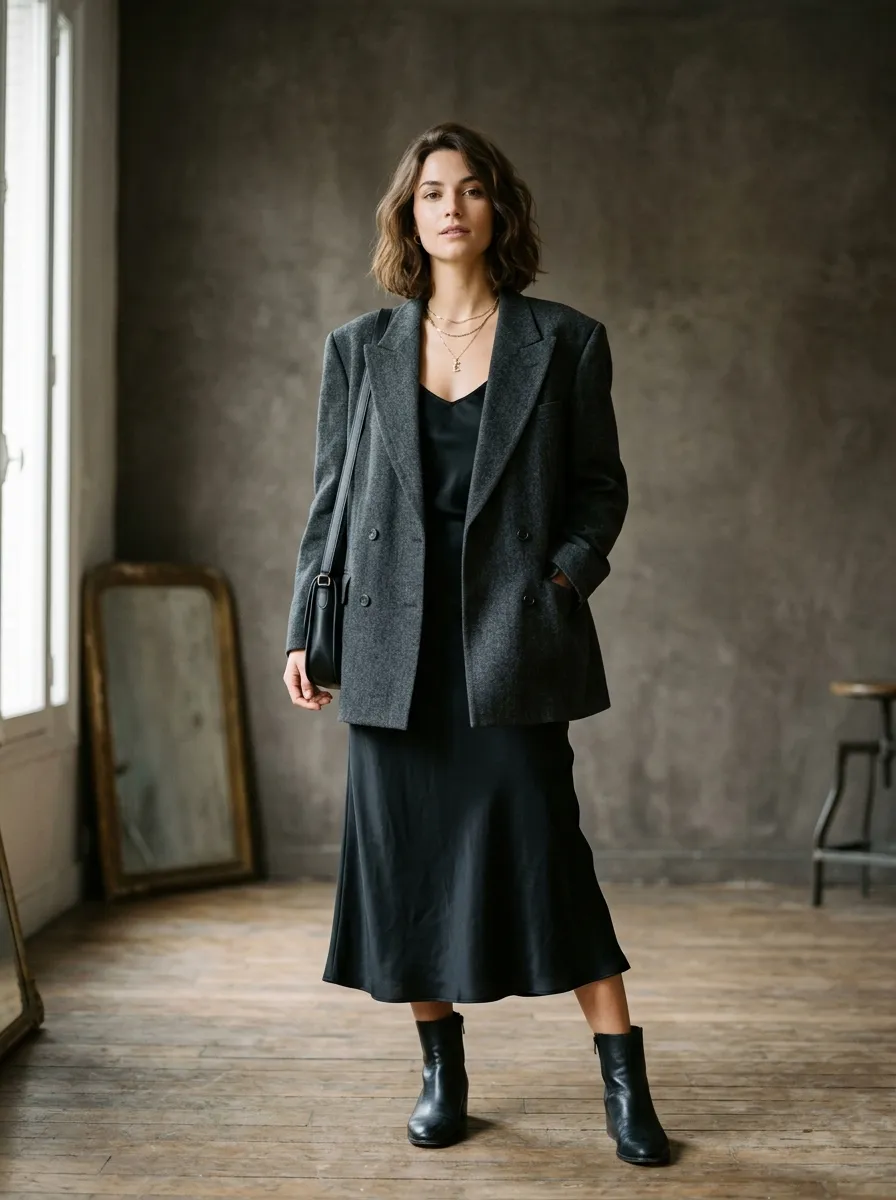
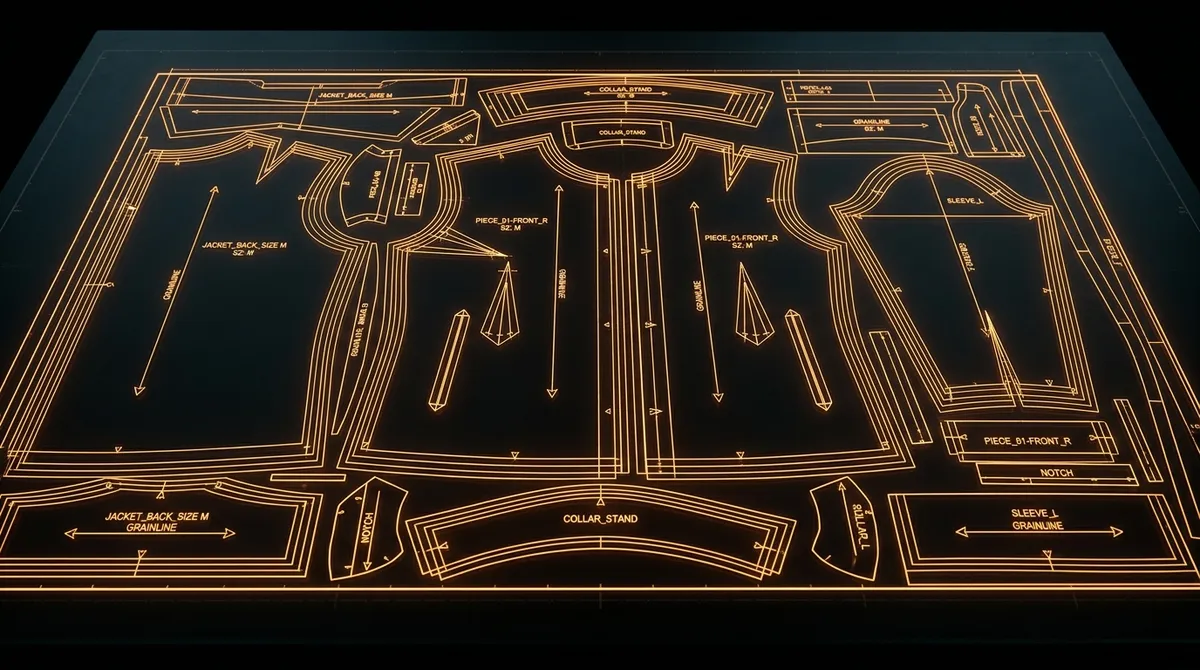
General-Purpose vs Fashion-Specific: Two Different Approaches
Midjourney is a general-purpose AI image generator, widely used for conceptual art, illustration and free-form visual creation.
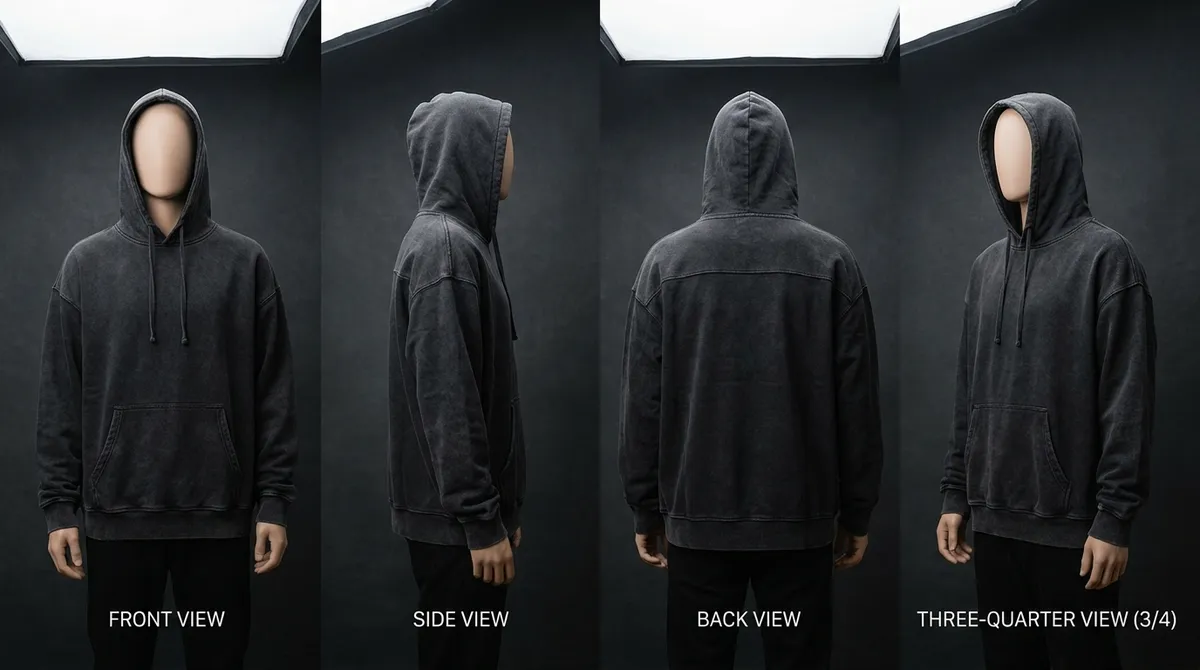
Fashion production asks for specific things: views of the same garment from every side, colorways of one design, fabric looks, product videos, and a pattern a factory can cut from.
Smasher Studio is built for fashion. Its tools work on garments: construction, fabric behaviour, sizing and fashion photography, so what you make can go to your manufacturer or your online store.
What Smasher Studio Does for Garments
Here is what Smasher Studio does for a garment:
Consistent Multi-Angle Views
E-commerce needs front, back, side and detail views of the same garment. Smasher Studio generates coordinated angles that keep construction, colour, fabric texture and styling.
Manufacturing Tech Packs
A tech pack tells a factory how to build your garment. Smasher Studio delivers production DXF patterns made by professional pattern makers from $29 per garment, with a complete factory tech pack covering measurements, bill of materials, construction sequence, Pantone specifications, and care instructions available as an add-on, alongside grading, marker layout and seam allowances.
Pantone-Referenced Colorways
Seeing your design in different colours helps seasonal planning. Smasher Studio creates colorway variants with identical garment construction and Pantone cross-references for manufacturing accuracy.
Fabric Simulation
How does your design look in silk, denim or cashmere? Smasher Studio renders accurate drape, texture, sheen, and weight characteristics for 15+ fabrics, helping you make informed sourcing decisions before ordering expensive samples.
Product Video
Video content matters for e-commerce and social media. Smasher Studio creates 5-15 second product videos with 360-degree rotation, fabric animation, catwalk sequences, and cinematic zoom-pan, starting at $4 per video.
Compared: Smasher Studio and Midjourney
| Feature | Smasher Studio | Midjourney |
|---|---|---|
| Text-to-image generation | Yes | Yes |
| Starting price, monthly billingSmasher Creator $19 a month; Midjourney Basic $10 a month (read on 12 October 2026) | Yes | Yes |
Compared on 12 October 2026, from what each product publishes: text-to-image generation and the starting price on monthly billing (Smasher Studio Creator; Midjourney Basic). Only features both state are compared. Prices and features change: check each website before you decide.
When to Choose Midjourney
- You want a general creative tool for art, illustration, and concept exploration
- You are creating moodboards and visual inspiration, not production assets
- You do not need technical documentation (tech packs, patterns, size grading)
- The Discord community is important to your creative process
When to Choose Smasher Studio
- You are designing garments for actual production, not just art
- You need tech packs, Pantone colorways, or DXF pattern files
- You need consistent multi-angle product views for e-commerce
- You need product videos for social media and marketing
- You want to connect your AI assistant (Claude, ChatGPT) via MCP
Frequently Asked Questions
Why use Smasher Studio for fashion design?+
How do the prices compare?+
Can I get consistent multi-angle views of one garment?+
Can I get a tech pack and a pattern for my design?+
Can I use both Midjourney and Smasher Studio?+
Which one should I use for creative images?+
Can I connect Smasher Studio to my AI assistant?+
Try Smasher Studio for Fashion
Take a garment from its first image to its pattern. Try free with a one-time welcome of 50 credits when you create your account, then 15 credits a month.