Every Color, Zero Samples
AI Colorway Generator
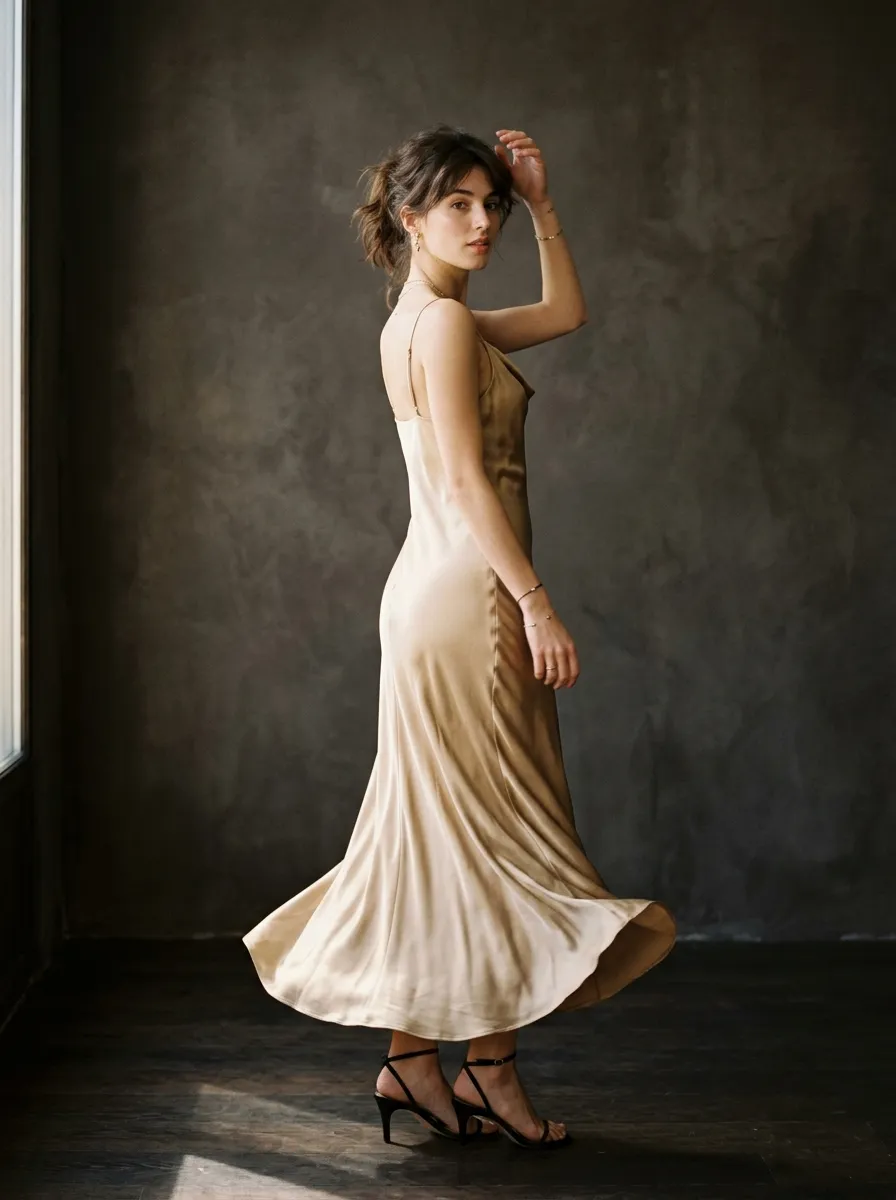
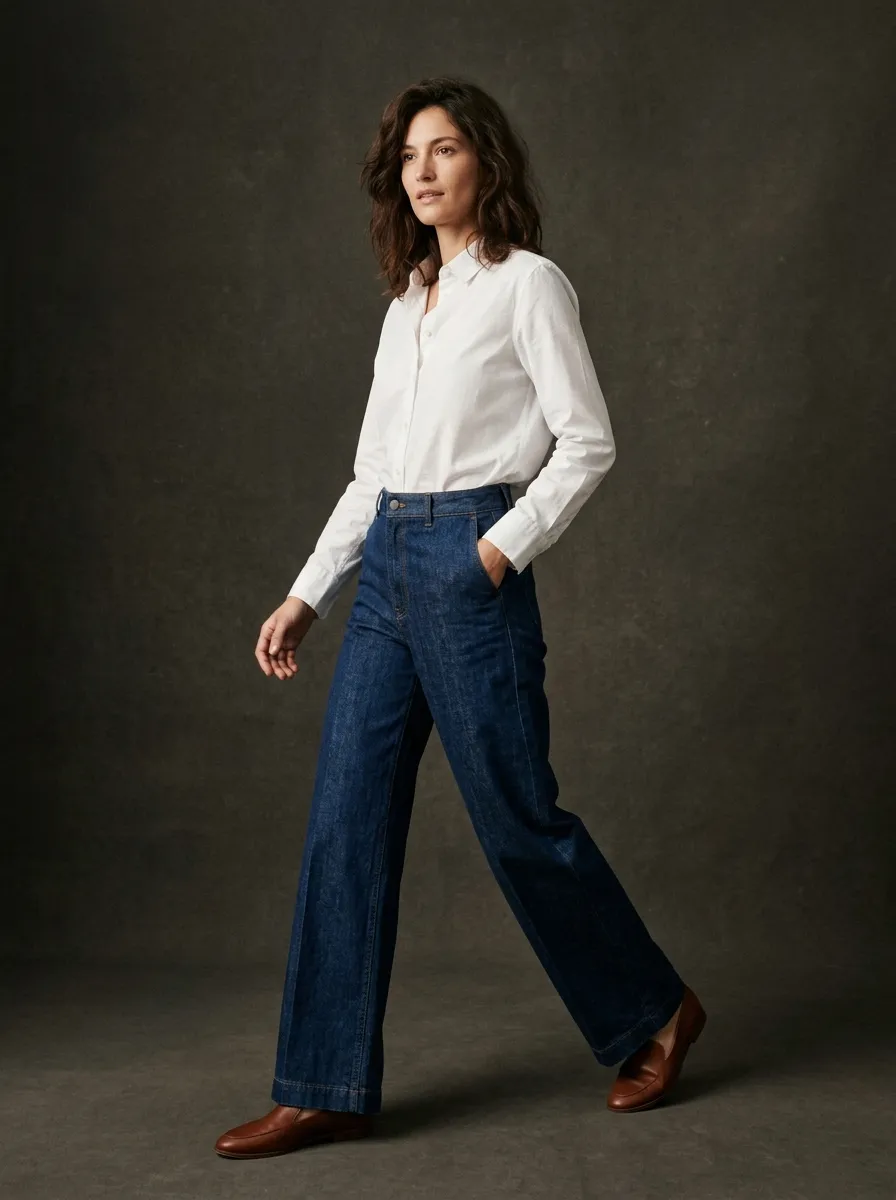
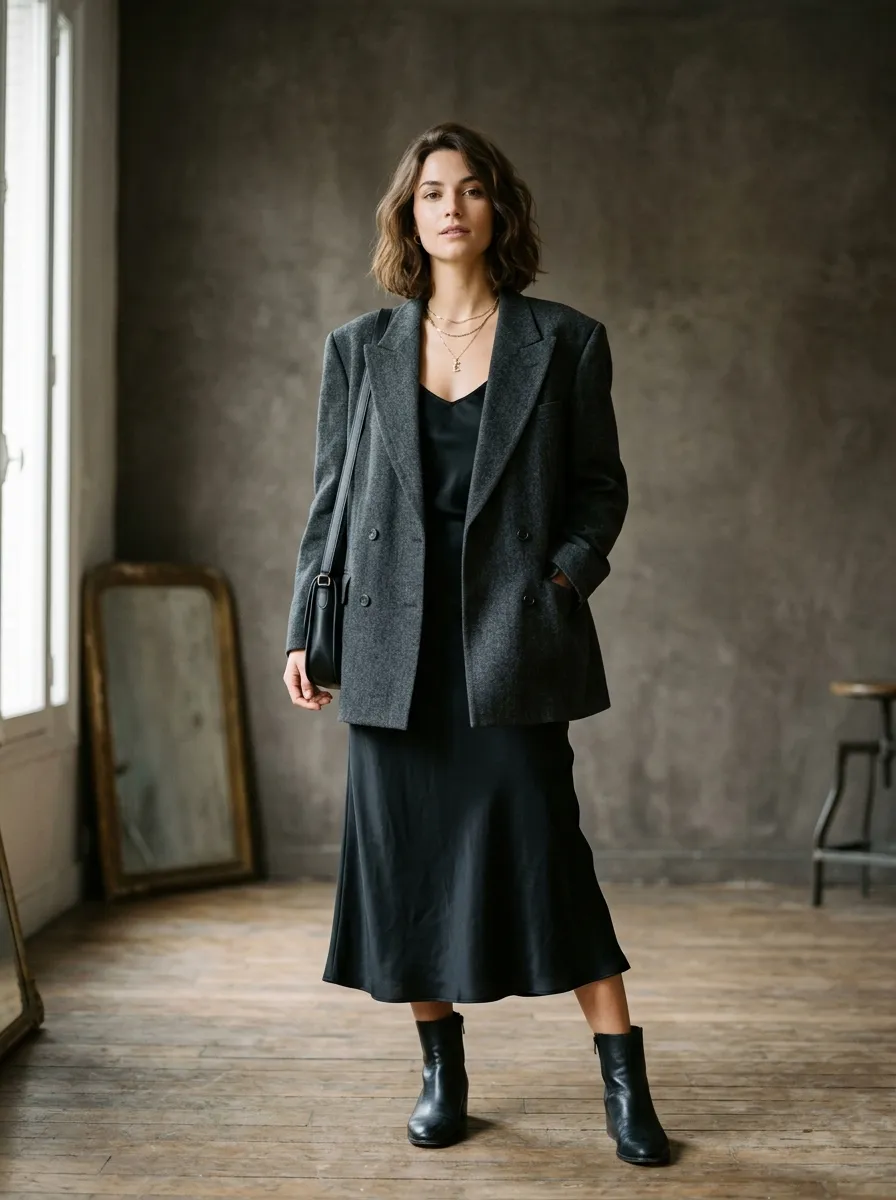
See your garment in every color before committing to production. Generate photorealistic colorway variants instantly — no fabric swatches, no physical samples, no guesswork. Explore your entire palette in minutes and make confident color decisions that sell.
Color Decisions Can Make or Break a Collection
Color is one of the most powerful drivers of purchase decisions in fashion. Studies consistently show that color accounts for up to 85% of the reason consumers buy a particular product. A perfectly designed garment in the wrong color will sit on the rack. That same garment in the right color sells out. The stakes are high, and traditionally, exploring color options has been expensive, slow, and limited by physical constraints.
Before AI, fashion brands had two options for evaluating colorways: digital mockups created by graphic designers (which rarely look realistic on screen) or physical samples produced by manufacturers (which cost hundreds of dollars each and take weeks to arrive). Neither option allows you to quickly explore a wide range of colors, compare them side by side, and iterate based on what you see. Most brands end up choosing colors based on intuition and past experience rather than visual evidence — a gamble that does not always pay off.
Smasher Studio's AI colorway generator eliminates this constraint. Describe your garment and specify any color — by name, by Pantone reference, or by description — and the AI generates a photorealistic rendering in seconds. You can explore 20 colorways in the time it used to take to request a single swatch card. The technology understands how color interacts with different fabric textures, so a navy cotton t-shirt looks different from a navy silk blouse, just as it would in real life.
What Are Colorways in Fashion?
A colorway is a specific color combination applied to a garment design. When a brand offers a hoodie in "Black," "Heather Grey," and "Forest Green," each of those is a separate colorway of the same style. The design, construction, and sizing remain identical — only the colors change. In retail, each colorway typically has its own SKU, its own product photos, and its own inventory tracking.
Colorways are not limited to single-color garments. A colorway can define the colors of every component: the body fabric, the contrast stitching, the zipper tape, the lining, the ribbing, the labels, and the hardware finish. A varsity jacket might have a colorway that specifies navy wool body, cream leather sleeves, orange ribbing, and antique brass snaps. Another colorway of the same jacket might be black wool body, black leather sleeves, red ribbing, and gunmetal snaps. Same design, completely different visual impact.
Core Colors vs Seasonal Colors
Most fashion brands maintain two categories of color in their assortment. Core colors are the reliable, year-round options that remain in the line season after season — typically black, white, navy, grey, and perhaps one or two brand-signature colors. These are your steady sellers that customers expect to find whenever they shop your brand.
Seasonal colors are trend-driven additions that change every collection cycle. For Spring/Summer 2026, your seasonal palette might include coral, sage, butter yellow, and sky blue. For Fall/Winter 2026, you might shift to burgundy, toffee, olive, and slate. Seasonal colors create freshness and urgency — customers know they need to buy now because that color will not be available next season. The AI colorway generator is particularly valuable for seasonal palette exploration, letting you test dozens of trend colors against your existing designs before committing to production.
The Traditional Colorway Process
To understand why AI colorway generation is transformative, it helps to understand what the process looks like without it:
Fabric Swatch Sourcing ($10-50 per swatch)
You contact fabric mills or distributors and request swatch cards in the colors you are considering. Each swatch card costs $10 to $50 depending on the fabric type, and shipping from overseas mills takes 1-3 weeks. If you are evaluating 8 colors across 3 fabric types, that is 24 swatches — $240 to $1,200 and several weeks of waiting before you can even see the colors.
Lab Dip Submissions ($50-150 per color)
If you need a custom color that is not available as a stock option, you submit a lab dip request to the mill. They dye a small sample of your target fabric to your specified Pantone reference and ship it for approval. Each lab dip costs $50 to $150 and takes 1-2 weeks. First submissions rarely match perfectly — most colors require 2-3 rounds of lab dips before achieving an acceptable match, multiplying both cost and time.
Physical Sample Production ($200+ per color)
Once you approve the fabric color, you need to see it as a finished garment. The factory produces a sample in each colorway — same pattern, different fabric colors. At $200 or more per sample and 2-4 weeks lead time, producing samples in 6 colorways costs $1,200 or more and takes over a month. And if you decide to change a color after seeing the sample, the cycle starts over.
Photography and Presentation
After samples arrive, you photograph each colorway for your line sheet, lookbook, or e-commerce site. This requires a photographer, studio time, and either a model or a mannequin for each colorway. Professional product photography costs $50 to $200 per image, and a full shoot day can cost $1,000 to $5,000 depending on the production quality you need.
Total cost for evaluating 6 colorways of a single style using the traditional process: $1,500 to $5,000 and 6 to 12 weeks. With AI colorway generation, the same exploration costs $2.40 and takes 5 minutes.
How AI Colorway Generation Works
Describe Your Base Design
Start by describing the garment you want to see in different colors. Include the garment type, fabric, silhouette, and any important design details. If you have already generated a design using Smasher Studio's image generation tools, you can reference it directly. The AI maintains context within your session, so it knows what you have been working on.
Specify Your Colors
Tell the AI which colors you want to see. You can use Pantone references ("Pantone 17-1463 TCX Tangerine Tango"), descriptive names ("dusty mauve"), brand references ("the same red as Supreme"), or general directions ("warm earth tones"). The AI interprets all of these accurately and applies them to your garment, rendering color with appropriate fabric texture and lighting.
Compare and Decide
Review the generated colorway variants side by side. Generate additional variants if needed — try unexpected colors, test complementary combinations, or explore seasonal trends. Once you identify your final palette, you can use the same session to generate multi-angle views, tech packs, or fabric simulations for your chosen colorways.
Use Cases for AI Colorway Generation
Colorway generation is not just for design exploration. Here are the ways brands are using it across their business:
Seasonal Collection Planning
Before committing to your seasonal palette, see every style in every potential color. This is where AI colorway generation delivers the most value — you can evaluate 50 color options across 15 styles in a single afternoon, something that would take months and thousands of dollars with physical samples. Many designers use this as their first step in collection development, narrowing from a broad color exploration down to the 4-6 seasonal colors that work best across the entire range.
Wholesale Buyer Presentations
When presenting your line to wholesale buyers, retailers, and distributors, showing every available colorway helps maximize order quantities. Buyers are more likely to order multiple colorways when they can see exactly what each option looks like. AI-generated colorway images are high-quality enough for line sheets, order forms, and presentation decks. Some brands generate colorways specifically for buyer meetings, testing reactions to potential colors before committing to production.
E-Commerce Product Listings
Online shoppers expect to see a product in every available color. If you offer a t-shirt in 8 colors but only have product photos for 3, you are losing sales on the other 5. AI colorway generation lets you create consistent, professional product images for every SKU — even before physical inventory exists. This is especially valuable for pre-order campaigns, crowdfunding launches, and drop models where you want to gauge demand across colors before production.
Design Validation Before Production
Sometimes a color that looks great in your head does not work on the garment. A vibrant coral might overpower a delicate dress silhouette, or a muted olive might make your jacket look military when you intended casual. AI colorway generation lets you test these hypotheses visually before spending money on samples. It is much cheaper to discover a color does not work on screen than after you have paid for a lab dip, fabric yardage, and a physical sample.
Color Theory for Fashion Designers
Understanding color theory helps you make smarter palette decisions. Here are the foundational concepts that every fashion designer should know:
Primary, Secondary, and Tertiary Colors
The color wheel starts with three primary colors: red, blue, and yellow. Mixing primaries creates secondaries — orange, green, and purple. Mixing a primary with an adjacent secondary creates tertiaries like red-orange, yellow-green, and blue-violet. In fashion, pure primaries and secondaries tend to read as bold and energetic. Tertiaries and muted variations feel more sophisticated. Most high-end fashion brands build their palettes primarily from tertiaries and neutralized versions of secondaries.
Warm vs Cool Tones
The color wheel divides into warm tones (reds, oranges, yellows) and cool tones (blues, greens, purples). Warm colors advance visually — they draw attention and create energy. Cool colors recede — they create calm and suggest depth. In fashion collections, the warm-cool balance affects the overall mood of your range. A Spring/Summer collection heavy on warm tones feels optimistic and vacation-ready. A Fall/Winter range dominated by cool tones feels introspective and urban. Most successful collections mix both temperatures, using warm accent colors to break up cool-dominant palettes and vice versa.
Complementary vs Analogous Palettes
Complementary colors sit opposite each other on the color wheel — blue and orange, red and green, yellow and purple. Complementary pairings create high contrast and visual tension, which is useful for statement pieces and marketing imagery but can feel jarring in a full collection. Analogous colors sit next to each other on the wheel — blue, blue-green, and green, or red, red-orange, and orange. Analogous palettes feel harmonious and cohesive, making them excellent for building a collection that merchandises well on a retail floor. Most fashion brands use analogous palettes for their seasonal range, with one or two complementary accent colors for contrast.
Seasonal Palette Trends
Fashion colors follow seasonal cycles influenced by trend forecasting agencies like Pantone, WGSN, and Peclers Paris. Spring/Summer palettes typically feature lighter, brighter, and more saturated colors — pastels, vibrant brights, and sun-washed neutrals. Fall/Winter palettes lean toward deeper, richer, more muted tones — earth tones, jewel tones, and dark neutrals. However, trend cycles are becoming less predictable as fashion becomes more global and less seasonally bound. The AI colorway generator lets you test any color regardless of convention — sometimes the best commercial decision is a color that breaks the seasonal rules.
Pantone References and Color Accuracy
In the fashion industry, Pantone is the universal language of color. When you tell a factory "make it blue," you could end up with anything from powder blue to navy. When you tell them "Pantone 19-4052 TCX Classic Blue," there is no ambiguity. Pantone references ensure that the blue you see in your design is the blue your factory produces, regardless of where in the world they are located.
Smasher Studio's AI understands Pantone references and renders them as accurately as possible on screen. When you specify a Pantone TPX (textile paper) or TCX (textile cotton) code, the AI translates that reference to its closest RGB equivalent and applies it to your garment rendering with appropriate fabric texture and lighting. The result is a realistic approximation of how the color will look on the actual garment.
It is important to understand the limitations of digital color representation. No screen can perfectly reproduce the appearance of a dyed fabric — screens emit light while fabrics reflect it, and the two technologies render color through fundamentally different physics. AI-generated colorways are excellent for narrowing your palette, making relative comparisons between colors, and eliminating options that clearly do not work. For final production decisions on color-critical garments, always confirm with a physical lab dip or strike-off from your manufacturer.
That said, many brands successfully use AI-generated colorways as the primary visual reference for their manufacturer, supplementing with a Pantone code callout in the tech pack. The combination of a visual reference and a Pantone code gives factories everything they need to hit the right color on the first lab dip submission.
Colorway Generation Pricing
Each colorway variant costs 4 credits ($0.40 equivalent). This is the most affordable tool on the platform, designed for high-volume exploration. Here is what that looks like in practice:
6 colorways
24 credits ($2.40)
12 colorways
48 credits ($4.80)
20 colorways
80 credits ($8.00)
Compare that to the traditional approach: ordering 6 fabric swatches ($60-300), submitting lab dips ($300-900), and producing physical samples ($1,200+). AI colorway generation costs less than 1% of the traditional process.
Free
$0
50 credits/month
12 colorways per month
Creator
$19/mo
350 credits/mo
87 colorways per month
Most Popular
Studio
$49/mo
900 credits/mo
225 colorways per month
Pro
$99/mo
2,000 credits/mo
500 colorways per month
Integration with Smasher Studio's Design Pipeline
Colorway generation does not exist in isolation. It is one tool in a connected pipeline that takes you from initial concept to production-ready specifications. Here is how the tools work together:
Design → Colorway
Start by generating your base garment design. Once you have a design you love, use the colorway generator to explore it in different colors. The AI maintains visual consistency across colorway variants because it references your original design context.
Colorway → Multi-Angle
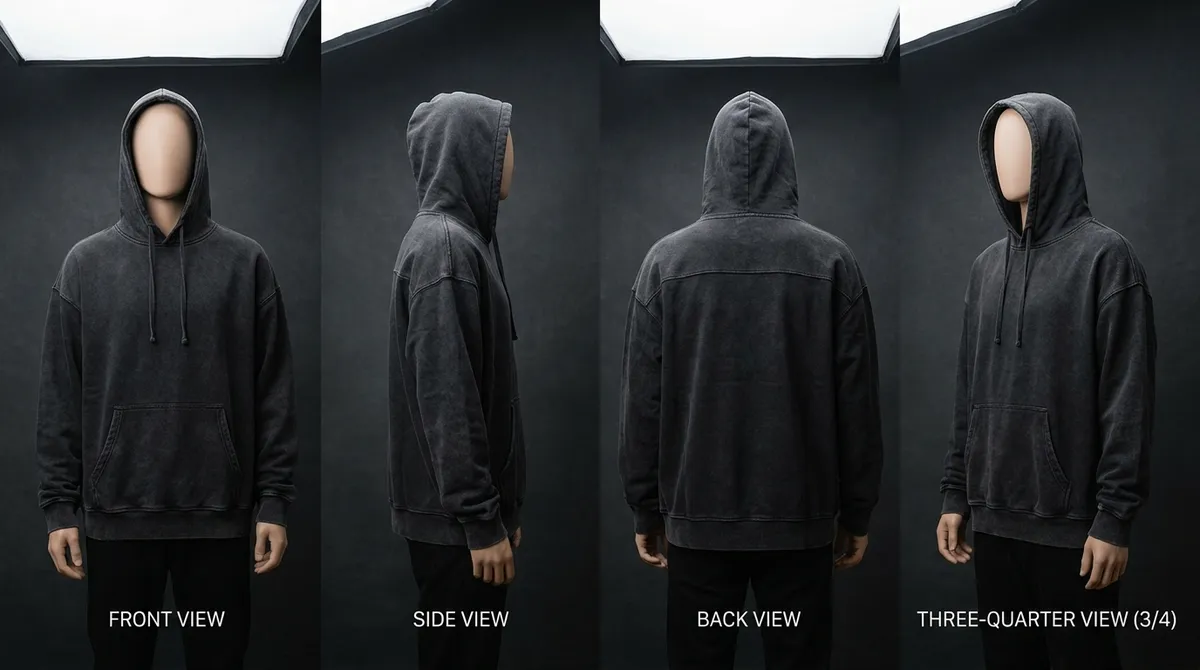
Once you settle on your final colorways, generate multi-angle views (front, back, side, detail) for each color. This gives you the complete product photography set you need for e-commerce listings, without a photoshoot.
Colorway → Fabric Simulation
Wondering if your design would look better in a different fabric? Use fabric simulation to see the same design in cotton, silk, linen, or denim — in any of your chosen colorways. This helps you make material decisions alongside color decisions.
Colorway → Tech Pack
After finalizing your colorways, generate a tech pack that includes all your color specifications with Pantone references. The tech pack captures every colorway as a separate entry with matched thread, trim, and hardware colors.
Tech Pack → DXF Pattern Making
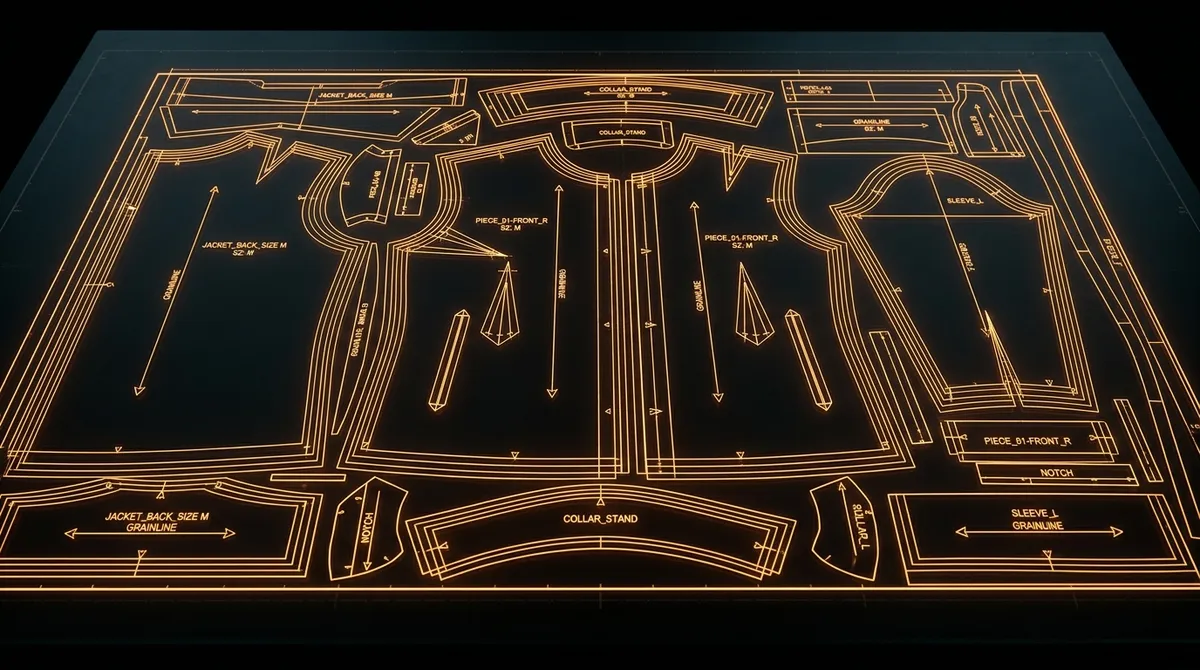
With your tech pack complete, order professional DXF patterns through Smasher Studio. Simple patterns start at $29, standard at $59, and complex at $129. Patterns are delivered in AAMA/ASTM DXF-2 format, ready for any CAD/CAM cutting system.
The entire pipeline — from first design to manufacturing-ready documentation — can be completed in a single session. What used to take weeks of coordination between designers, photographers, and technical teams now happens in an afternoon.
Frequently Asked Questions
What is an AI colorway generator?+
How accurate is the AI color rendering compared to real fabric?+
Can I specify exact Pantone colors for my colorways?+
How many colorway variants can I generate at once?+
Do I need to upload a photo of my garment to generate colorways?+
What is the difference between colorway generation and fabric simulation?+
Can I use AI-generated colorways for e-commerce product listings?+
Related Tools and Guides
AI Fashion Design
Generate original garment designs from text descriptions.
AI Fabric Simulation
Visualize designs in different materials before sampling.
AI Product Photography
Create e-commerce-ready product photos without a photoshoot.
How to Start a Fashion Brand
Complete guide to launching your own clothing line.
See Every Color Before You Commit
Explore your entire palette in minutes. Generate photorealistic colorway variants for any garment, compare side by side, and make confident color decisions that drive sales. Free to start, no credit card required.